21 Free Software Alternatives That Are Honestly Better Than the Paid Versions
The myth that you need to spend hundreds of dollars on software to get quality tools is simply outdated. There are countless free alternatives available today that not only match the functionality of expensive paid software, but often surpass them in features, user experience, and community support. Whether you're a creative professional, student, business owner, or casual user, this list will help you discover powerful free tools that can replace your paid subscriptions and actually improve your workflow.
-
GIMP (Image Editing)
GIMP stands toe-to-toe with Adobe Photoshop for most everyday image editing tasks. This open-source powerhouse offers layers, masks, color correction tools, and a vast library of filters and plugins. While professional designers might still need Photoshop for specialized features, GIMP handles photo retouching, graphic design, and digital art creation beautifully without the $22.49 monthly price tag.
-
LibreOffice (Office Productivity)
LibreOffice is a complete office suite that rivals Microsoft Office in most practical scenarios. It includes Writer for word processing, Calc for spreadsheets, Impress for presentations, and Draw for vector graphics. You get native support for Microsoft Office formats, and many users find the interface more intuitive than modern versions of Word, Excel, and PowerPoint.
-
Audacity (Audio Editing)
Audacity has been the go-to free audio editing tool for podcasters, musicians, and audio enthusiasts for nearly two decades. It handles recording, editing, mixing, and basic mastering tasks with surprising depth. Features like noise reduction, EQ, compression, and multi-track editing make it capable enough for professional podcast production or music hobby projects.
Related: Best Password Manager 2026: Which One Actually Protects Your Passwords
-
DaVinci Resolve (Video Editing)
DaVinci Resolve is arguably the best kept secret in video editing software. The free version includes professional-grade editing, color correction, audio mixing, and even basic motion graphics capabilities. Video creators who've switched from paid options like Adobe Premiere Pro find that DaVinci's color grading tools are actually superior, with the free version serving nearly 90% of creative needs.
-
Blender (3D Modeling and Animation)
Blender is a complete 3D creation suite that has become the industry standard for many professional studios. It includes modeling, sculpting, animation, rendering, and visual effects tools that compete with software costing thousands of dollars annually. Major studios have used Blender for Oscar-winning films, making it an incredibly powerful free option.
-
Inkscape (Vector Graphics)
Inkscape offers everything you need for vector design work that Adobe Illustrator handles. It's perfect for creating logos, icons, illustrations, and complex vector artwork with precision bezier curve tools and advanced object manipulation. The learning curve is gentler than many paid alternatives, and the output quality is identical for professional design work.
-
Krita (Digital Painting)
Krita is a digital painting and illustration software specifically designed for artists that outperforms Clip Studio Paint and rivals even expensive Photoshop licenses for creative work. It features an impressive brush engine, animation tools, and a highly responsive interface that professional digital artists love. The tablet support is exceptional, making it ideal for iPad and Wacom users.
Related: The Best Budget Wireless Earbuds for 2026: Premium Features Without the Price Tag
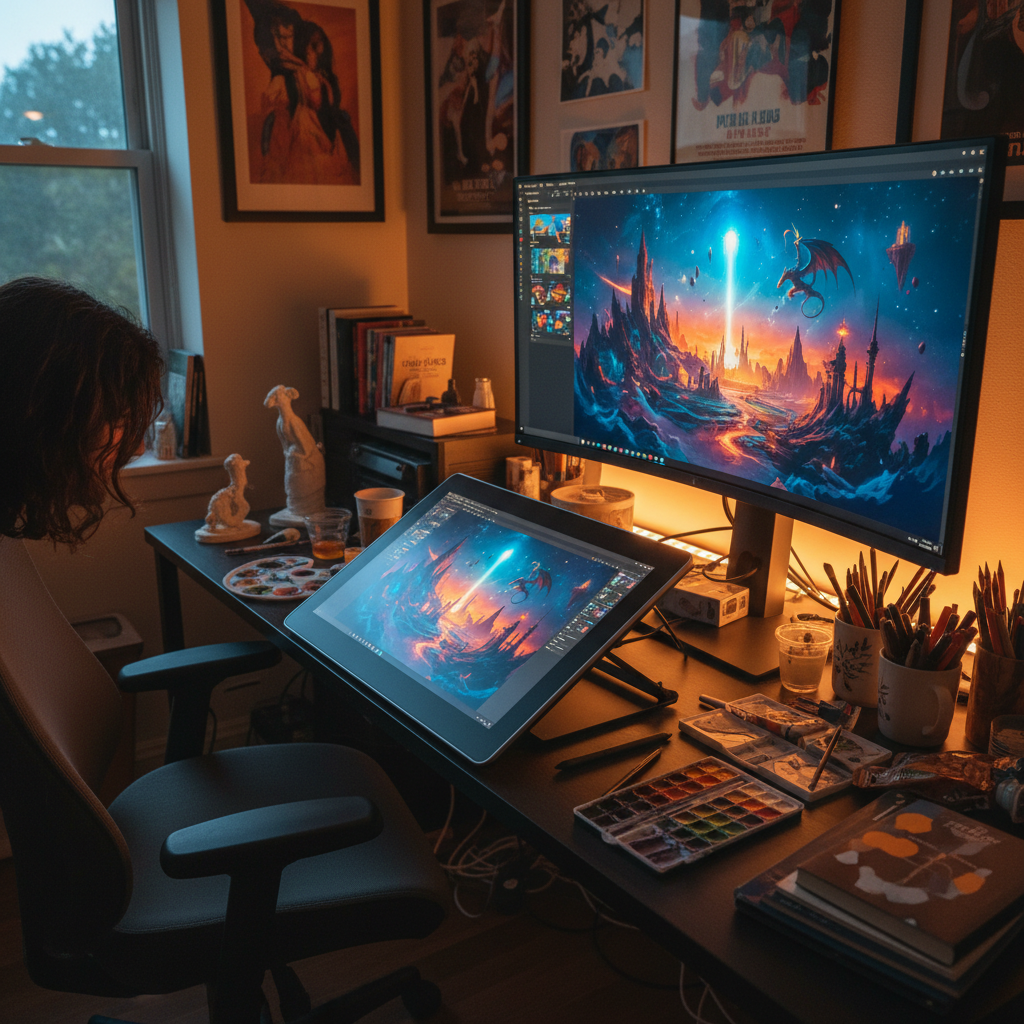
Image: GlobalFunReads -
OBS Studio (Streaming and Screen Recording)
OBS Studio is the free streaming and recording software that has essentially replaced expensive alternatives for content creators. Whether you're streaming on Twitch, YouTube, or recording tutorials, OBS provides professional-quality encoding, multiple source management, and scene switching capabilities. It's what thousands of Twitch streamers and content creators use instead of paid options.
-
Shotcut (Video Editing)
Shotcut is another excellent free video editor with support for a wider range of video formats than most competitors. It offers timeline editing, color grading, and a massive library of transitions and effects. For YouTube creators and small content producers, Shotcut handles 4K editing and exports efficiently without paid software costs.
-
Kdenlive (Video Editing)
Kdenlive provides intuitive video editing with powerful features like multi-track editing, proxy editing for smooth playback with high-res files, and excellent keyboard shortcuts. Linux users especially benefit from native optimization, but the software runs smoothly on Windows and macOS as well. It's ideal for creators who want professional results without subscription fees.
-
VLC Media Player (Video and Audio Playback)
VLC doesn't just play videos and music, it's an entire media toolkit that can convert formats, extract audio from videos, and even stream content. The fact that it plays nearly every file format without requiring additional codecs makes it essential, and it includes basic editing capabilities that paid media players charge extra for.
-
Synfig Studio (Animation)
Synfig Studio specializes in 2D animation and vector animation with a sophisticated workflow that rivals expensive animation software. It handles both frame-by-frame animation and vector-based animation, making it perfect for animators who want to avoid Adobe Animate subscriptions. The bone rigging and inverse kinematics features are genuinely powerful.
-
Lightworks (Professional Video Editing)
Lightworks is professional video editing software used on major Hollywood productions, and the free version is remarkably capable. While the paid version unlocks some export options, the free edition handles editing tasks that would cost you $300-500 per month in other professional software. It's used for editing Netflix productions and major documentaries.
-
Darktable (Photo Management and Editing)
Darktable is a non-destructive photo editor and organizer specifically designed for photographers as an alternative to Adobe Lightroom. It handles RAW photo processing, color grading, organization, and editing with an interface that appeals to photographers who understand exposure and histogram principles. Professional photographers choose this over paying $120 annually for Lightroom.
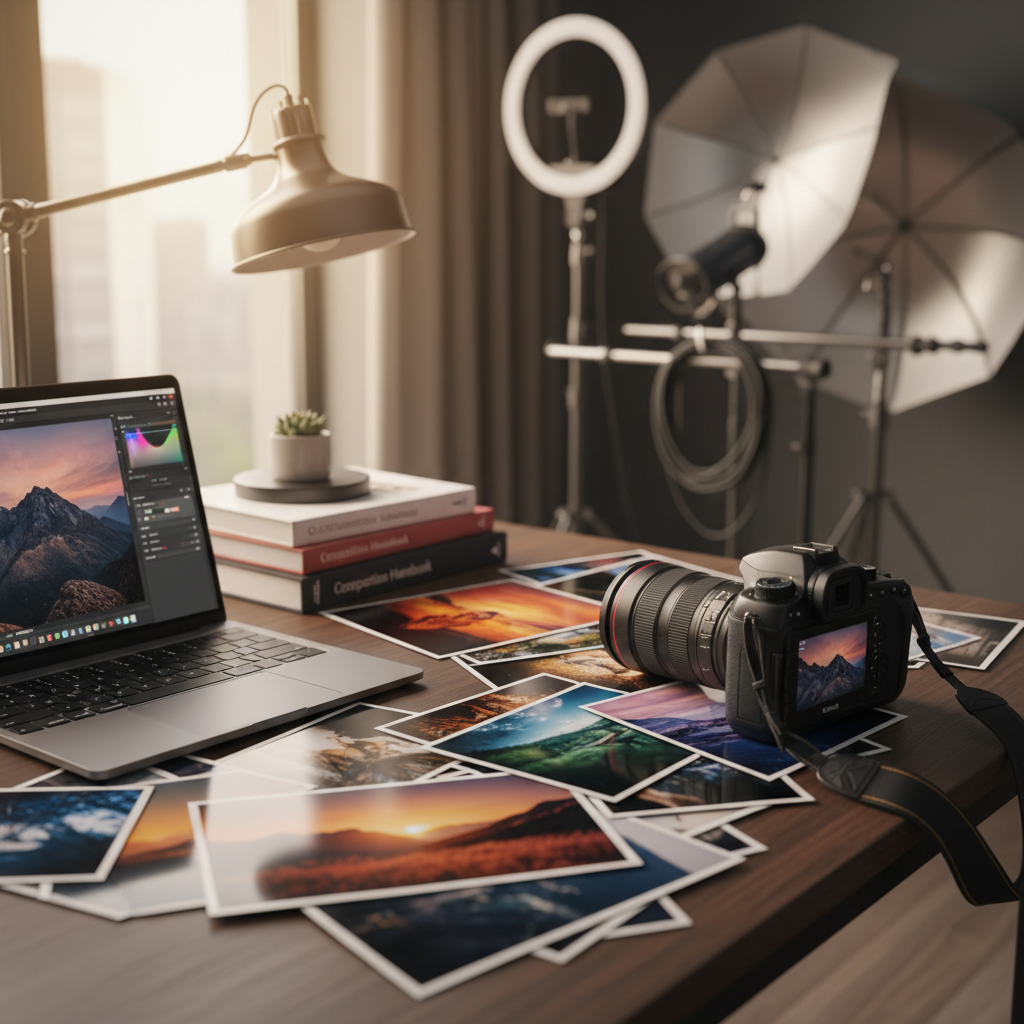
Image: GlobalFunReads -
RawTherapee (RAW Photo Processing)
RawTherapee is another powerful option for RAW photo editing that excels at color correction and provides incredible control over image processing. The demosaicing algorithms are particularly praised by photography enthusiasts, and it handles batch processing of hundreds of images efficiently. Many photographers use this in combination with GIMP for complete photo workflows.
-
Pinta (Simple Image Editing)
Pinta is designed as a simpler alternative to GIMP if you want basic image editing without the complexity. It's perfect for quick photo edits, simple graphics work, and casual design tasks. The lightweight nature makes it faster to open and learn than GIMP, while still providing essential editing tools.
-
Thunderbird (Email Client)
Thunderbird is a full-featured email client backed by Mozilla that works better than paid email software for many users. It handles multiple email accounts, has excellent spam filtering, supports encryption and security features, and includes a calendar and contacts manager. People who switch from Microsoft Outlook often find it faster and less resource-intensive.
-
FileZilla (FTP/SFTP Client)
FileZilla is the go-to free FTP and SFTP client for web developers and site managers who need to transfer files to servers. It handles secure connections, manages multiple site credentials, and allows drag-and-drop file transfer with a clean interface. Professional web agencies use this instead of costly FTP software.
-
7-Zip (File Compression)
7-Zip compresses files better than WinRAR or other paid alternatives, offering superior compression ratios and faster processing speeds. It supports 7z format which provides better compression than standard ZIP, and it handles extracting nearly every archive format in existence. The fact that it's completely free makes paid compression software seem outdated.
-
Bitwarden (Password Manager)
Bitwarden offers password management that rivals paid services like 1Password and LastPass without the subscription cost. You can self-host it on your own server for maximum privacy, and the cloud version is incredibly affordable. For users wanting robust password management with security features, Bitwarden actually outperforms paid options in transparency and security.
-
Cryptpad (Collaborative Document Editing)
Cryptpad provides end-to-end encrypted collaborative document editing that Google Docs and Microsoft 365 don't offer. You can create documents, spreadsheets, presentations, and forms with real-time collaboration, but everything is encrypted so the platform itself can't read your content. Privacy-conscious teams and organizations prefer this to paid cloud office suites.
Final Thoughts
The software landscape has fundamentally changed, and you no longer need to choose between expensive commercial tools and inferior free alternatives. Many of these free options have been developed by passionate communities over decades, refined through thousands of user contributions, and sometimes even adopted by professional studios. By exploring these alternatives, you're not just saving money (though that's a nice benefit), you're often gaining access to tools that are more transparent, more community-driven, and sometimes genuinely more capable than their paid counterparts. Have you discovered any free software that impressed you? Share your favorites in the comments below, and let's build a community of users making smart choices about the tools they use every day.