The Productivity Paradox: Why Your Study App Obsession Might Be Failing You
A 2023 study from the University of Chicago found that the average college student spends nearly 3 hours per day switching between apps and browser tabs, yet only 1.5 of those hours involves actual focused work. That's a depressing reality that most students intuitively know but never quantify: we're busier than ever, but less productive than we think. The trap is seductive because it feels productive. You download Forest to gamify focus time, install Notion for the perfect organizational system, subscribe to Coursehero for notes, and suddenly you're spending more time configuring your productivity system than you are actually studying.
The irony deepens when you consider that the students with the highest GPA in most studies aren't using five different apps in concert. They're usually using one or two tools consistently, paired with a daily habit system that's almost boring in its simplicity. This guide cuts through the marketing hype and productivity theater to focus on what actually works, backed by research and the experiences of students who've genuinely moved the needle on their grades and stress levels.
The core insight you need right now: productivity isn't about having the perfect system. It's about consistency with a system simple enough that you'll actually stick with it for more than three weeks.
Understanding Your Baseline: The Time Audit That Changes Everything
Before downloading anything or redesigning your schedule, you need to know exactly where your time is going right now. Not approximately. Exactly. Researcher Dr. Laura Vanderkam, who's spent 15 years studying how people actually spend their time, insists that most people's time estimates are wildly inaccurate. She recommends a full week of time tracking where you log every 30-minute block of your day, categorizing it as sleep, class, actual studying, social time, exercise, eating, work, and scrolling.
Related: The Best Budget Wireless Earbuds for 2026: Premium Features Without the Price Tag
The reason this matters is that you can't optimize what you don't measure. That week of tracking typically reveals three patterns: first, you have significantly more discretionary time than you realized (usually 15-20 hours per week for students). Second, that time is currently fragmented into unusable chunks. Third, you're probably underestimating entertainment time by 30-40 percent.
Running Your Own Time Audit
Use the Notes app on your phone or a simple Google Sheet. Every evening for seven days, write down what you did in 30-minute blocks. Don't change your behavior during this week; the goal is observation, not correction. Track things like "scrolled TikTok 1.5 hours," "attended Chemistry lecture," "attempted problem set but got distracted," and "worked at coffee shop, mostly focused."
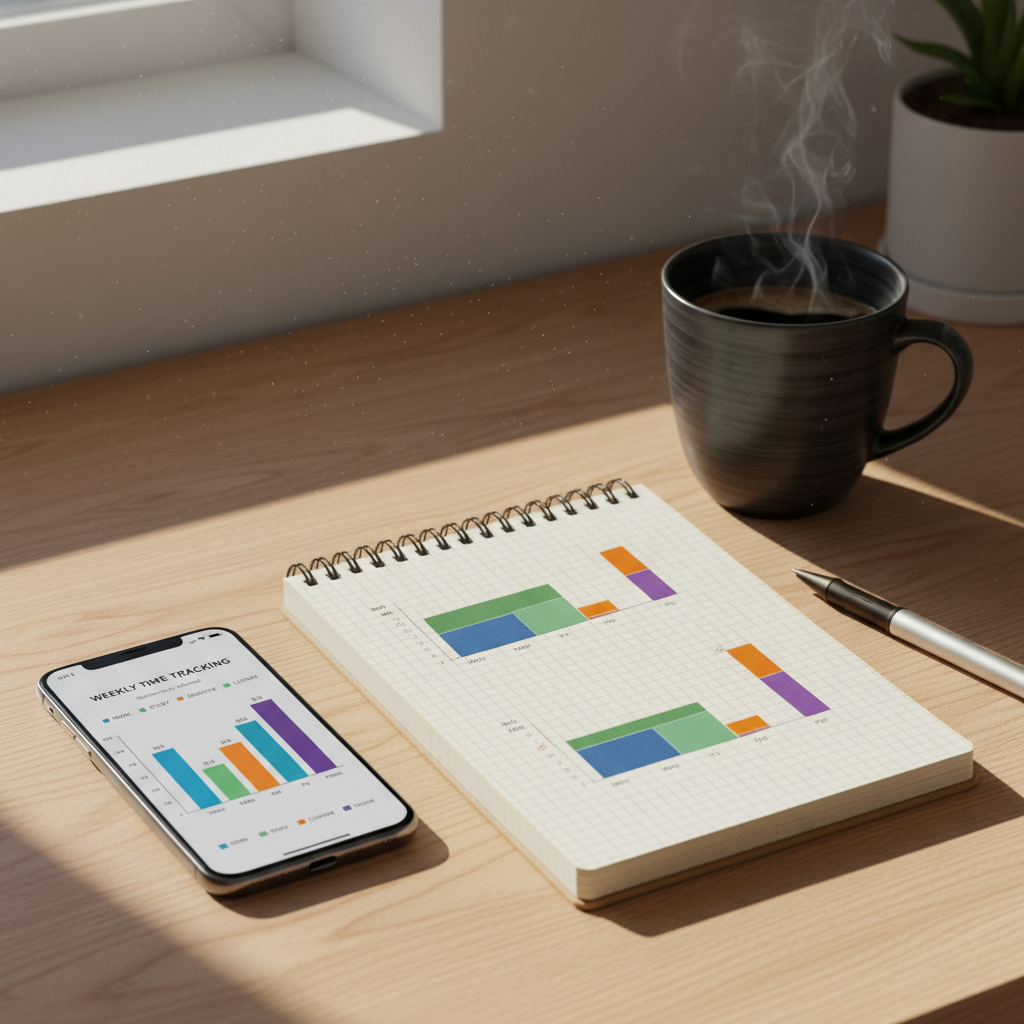
After the week, categorize your time. You'll typically find that you're spending 30-40 hours on classes and actual studying combined, 10-15 hours sleeping less than you should, 15-20 hours on social media and entertainment, 5-10 hours on work or internship activities, and the rest on meals, commuting, and personal care. The revelation isn't that you're lazy. It's that you have genuine time available, it's just currently being spent on low-priority activities.
"The students who feel most in control of their time aren't the ones managing down to 15-minute increments. They're the ones who've made deliberate decisions about what matters and protected those blocks fiercely." - Cal Newport, computer science professor and author of "Deep Work"
Related: 15 Best Free AI Tools in 2026 That Actually Do Something Useful
Building Your Actual System: Less Apps, More Consistency
Here's what high-performing students typically use: one calendar app (usually Google Calendar because it's free and integrates with everything), one note-taking app (Notion for complex organization or OneNote for simplicity), and maybe one focused work timer if they use one at all. That's it. The students grinding across five different apps aren't more productive; they're just more dependent on external systems and more likely to abandon everything when one system breaks.
The Calendar is Non-Negotiable
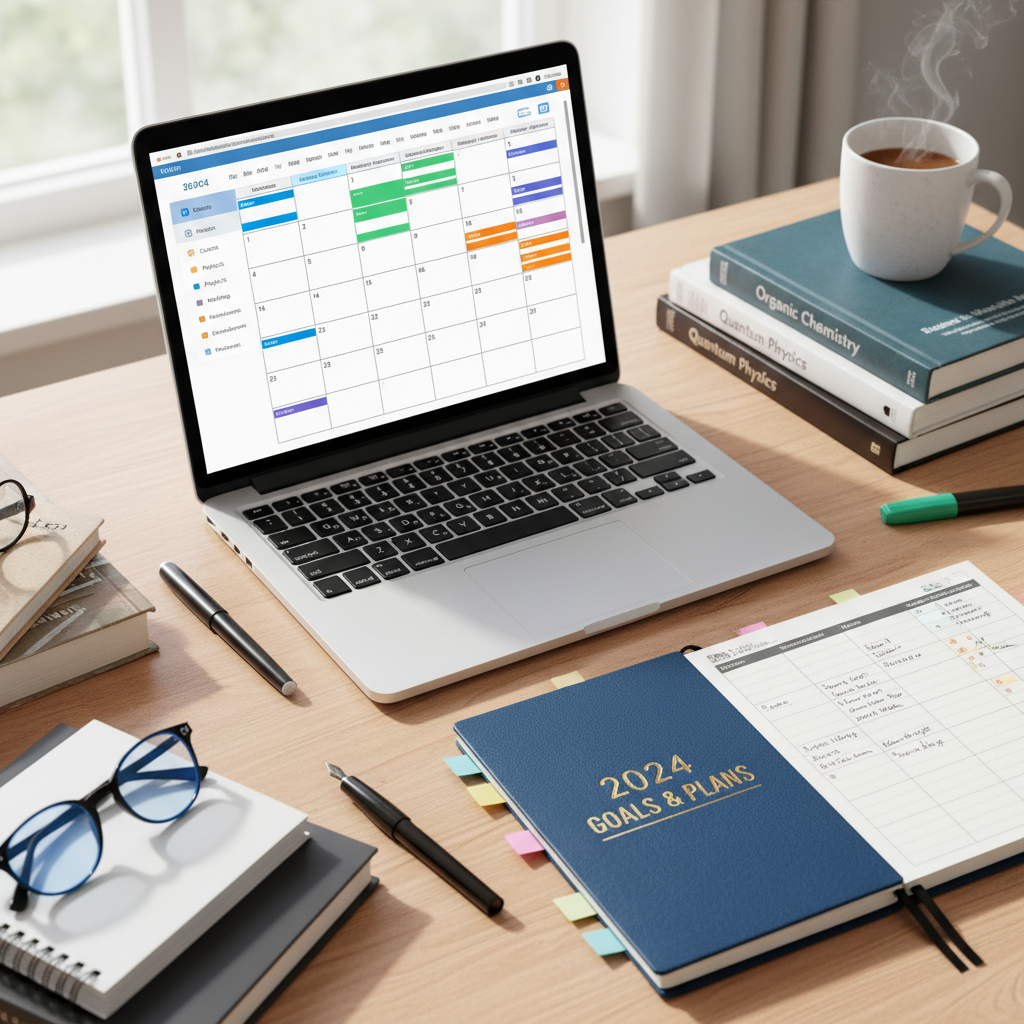
Google Calendar costs nothing and should be your single source of truth for when things happen. You need to block out: class times, work shifts, sleep time (yes, actually block 8 hours), and crucially, study time for specific subjects. Not vague "study" blocks, but "PSYCH 101 active recall practice" from 7-8pm on Tuesday and "Organic Chem problem set" from 3-4:30pm on Thursday.
Research from Duke University's Learning Innovation Lab shows that students who schedule specific study sessions in advance complete 34 percent more of their assignments than students who use "I'll study when I have time" approaches. The calendar isn't motivational; it's structural. It removes the decision fatigue of figuring out what to work on and when.
Pro move: color-code your calendar by subject or type of activity. Blue for classes, green for study blocks, red for work, yellow for commitments and social events. Your brain processes color faster than text, so a glance at your week shows you instantly if you're overloaded.
Note-Taking: The System Matters Less Than The Method
The platform is almost irrelevant. Notion is beautiful but has a learning curve. OneNote is clunky but reliable. Apple Notes is simple but limited. Google Docs works fine. What matters is the method you use to capture and review information.
The Cornell Note-Taking System, developed in the 1950s and validated by modern learning science, works like this: divide your page into three sections. During class, take notes in the largest right section using your own words. Review the same class within 24 hours and write questions and key terms in the left section. Cover the right side and use the left section to quiz yourself. That left-side review and quiz step is what actually locks information into memory, yet most students skip it entirely.
Where you take notes matters less than whether you're reviewing and testing yourself on material within 24 hours of learning it. A 2022 study from Iowa State University found that students using simple plain-text notes with daily review outperformed students using elaborate Notion databases they rarely revisited. The elaborate system felt productive; the simple system created actual learning.
The Habits That Actually Drive Productivity
Systems fail without habits. You can have the perfect calendar and note-taking setup and still procrastinate the night before exams if you don't have the daily habits that feed your system.
The Morning Intention Block
Spend five minutes each morning, preferably before checking your phone, reviewing your calendar and identifying your three most important outcomes for the day. Not ten things. Three. "Pass Chemistry quiz," "finish essay rough draft," "attend lab meeting" or whatever your actual top three are. Writing these down on paper or your phone takes one minute. Reviewing them takes one minute. The other three minutes is mental preparation for protecting those priorities.
This habit costs nothing and takes five minutes but functions as a mental filter for the entire day. When you face decisions like "should I scroll Instagram for 20 minutes?" your brain has already labeled that as inconsistent with your three priorities, and you're significantly more likely to decline.
The Daily Review Habit
Spend 10 minutes each evening reviewing what you actually accomplished, what didn't happen, and what's shifting for tomorrow. Open your calendar. Did you execute the study blocks you planned? If not, why? Use this information to adjust. Maybe you scheduled too much. Maybe 7pm is when your brain stops working. Maybe you need snacks to actually follow through on commitments.
This isn't about guilt or perfectionism. It's about pattern recognition. After three weeks of daily reviews, you'll know whether you can realistically handle 12 study hours per week or if 8 is your actual capacity. You'll know whether you work better in the morning or late afternoon. You'll know whether you need 15-minute breaks every 45 minutes or whether you can do 90-minute deep work blocks.
The Weekly Planning Session
On Sunday evening or Friday afternoon, spend 15-30 minutes planning your coming week. Look at your syllabus or assignment calendar. Identify every deadline, quiz, exam, and major assignment for the next two weeks. Work backwards from each deadline and block study time in your calendar. This is when you're adding the "PSYCH 101 active recall practice" blocks mentioned earlier.
This session also prevents the panic cycle. When you see that your Organic Chemistry exam is in 17 days and you have 6 hours of study time already blocked, you don't experience the Sunday panic. You experience preparation.
Apps That Actually Deserve Your Attention
Most productivity apps are useless, but a few solve genuine problems. Here are the ones that actually move the needle for students.
Toggl Track (Time Tracking)
After your initial audit, Toggl Track lets you continue passive time tracking without being annoying about it. You start a timer when you begin work, and it categorizes your time. This sounds like overkill, but most students who use it for a month discover their actual work pace. They find out that what feels like five hours of studying was actually three hours because they were interrupted twice and scrolled once. They discover that they can genuinely focus for 85 minutes before fatigue hits. These discoveries let you build a realistic schedule.
Anki (Spaced Repetition Flashcards)
Anki is free, open-source, and scientifically brutal in its efficiency. It uses spaced repetition scheduling, meaning it shows you cards right before you're about to forget them, maximizing retention while minimizing review time. Medical students have used it for 15 years because it genuinely works. You create flashcards, Anki schedules them, and you review them as directed. A 2021 meta-analysis in Frontiers in Education found that spaced repetition systems like Anki improve long-term retention by 40-50 percent compared to traditional studying.
The learning curve is steeper than Quizlet, but for material requiring serious long-term retention (languages, medical terminology, chemistry equations), Anki is objectively superior. For casual reviewing, Quizlet is fine.
Forest (Focus Timer)
This is the one gamification app worth using. You plant a virtual tree when you start a focus session, and if you leave the app before your timer ends, the tree dies. Real world? Forest plants actual trees based on trees you grow in the app (they partner with actual reforestation organizations). Does the gamification help? For some students, yes. For others, it's just another distraction. Try it free for a week. If you find yourself actually protecting the timer to keep your tree alive, stick with it. If not, move on.
Apps to Skip
Notion for pure note-taking (unless you genuinely love using it, the setup time is rarely worth it), productivity apps with daily notifications (Freedom or Cold Turkey can block distracting sites, but willpower is cheaper), app-based task managers like Todoist (your calendar already handles task scheduling).
The Procrastination Reality: Why You Actually Delay and How to Stop
Procrastination isn't laziness. Research by psychologist Tim Pychyl at Carleton University shows that procrastination is primarily an emotion regulation problem. You delay tasks because they create anxiety, boredom, or other uncomfortable feelings, and you delay to avoid those feelings. The solution isn't motivation. It's removing friction and managing the emotional component.
If you're delaying an essay, the problem usually isn't that you can't write. It's that staring at the blank page creates anxiety, so you defer it. The actual solution is starting. Not finishing. Not even working for long. Just starting.
Create "start plans" for your most commonly delayed tasks. "Start plan for essay: open document, write the exact thesis statement in one sentence, write three supporting points in single sentences, close document." Five minutes. You've moved from blank page panic to having structure. The next work session is easier because the structure exists.
The second part is scheduling these start sessions early. Don't block study time for an essay the night before it's due. Block a 15-minute start session the week you get the assignment. You won't finish. That's not the goal. The goal is removing the anxiety activation that causes procrastination.
Your Personal Productivity Operating System
Here's what your actual system should look like by week two: Google Calendar with specific study blocks and classes scheduled. A simple note-taking system with 24-hour review built in. A daily five-minute intention review. A weekly 20-minute planning session. Maybe one app like Anki if a class requires serious memorization.
You're not looking for perfection. You're looking for consistency. A 2024 study from the American Psychological Association found that students who maintained consistent study habits for 8 weeks showed 23 percent improvement in grades, but the improvement plateaued after 12 weeks. Meaning consistency matters more than intensity. Showing up every day with a simple system beats sporadically grinding with an elaborate one.
The real productivity shift happens when you stop thinking about becoming a more productive person and start building systems that make your current self more productive. You don't need to become disciplined. You need to reduce the number of decisions you make and create friction for distractions.
Test this system for four weeks. That's genuinely how long it takes for habits to feel automatic. After four weeks, adjust based on what's actually working in your life, not what works in productivity podcasts. Your system should be personalized to your brain, your schedule, and your actual commitments, not your imagined ideal self.