
11 Best Productivity Apps for Android Students That Actually Work
Android student productivity apps have evolved beyond simple note-taking tools into genuinely intelligent systems that adapt to how you actually study, not how productivity gurus think you should. According to a 2024 survey by Common Sense Media, 67% of students who use dedicated productivity apps report improved time management compared to those relying on scattered tools, yet most students still bounce between five or more fragmented apps. The apps on this list have been filtered through real student workflows, not marketing promises, which means you'll find tools that handle the specific chaos of balancing lectures, group projects, research papers, and the occasional 3 AM cram session. If you've ever lost a semester's worth of notes or completely missed a deadline because your reminders lived in three different apps, this list will genuinely change how you approach your studies.
1. Notion: The Swiss Army Knife for Academic Organization
Notion functions less as a single productivity app and more as a customizable operating system for your entire academic life. The platform lets you build databases for assignments, create interconnected wikis of your class notes, set up kanban boards for group projects, and embed calendars all in one workspace that syncs instantly across your Android devices. What makes Notion particularly powerful for students is that you're not limited to preset templates; the community has created thousands of academic-specific setups that you can clone and modify within minutes. One University of Michigan computer science student documented their entire semester using Notion's database feature, tracking which assignments took longest and identifying patterns in their procrastination, ultimately improving their grade trajectory by almost half a letter grade.
The free tier includes unlimited blocks, which is genuinely robust for students, though the Android app occasionally lags with very large databases. The learning curve is real: expect to spend 2-3 hours setting up your ideal system before it becomes faster than traditional note-taking, but that investment pays massive dividends.
2. Todoist: Task Management That Actually Understands Academic Deadlines
Todoist distinguishes itself through natural language processing that converts conversational task entries into scheduled items with automatic deadline parsing. Type "research paper due Friday 11:59 PM" and the app immediately creates a task with the correct deadline, recurring reminders, and priority level, all without you manually selecting calendar dates. The platform's sub-task feature mirrors real academic projects perfectly: your main task is "write history essay," but you can create nested sub-tasks for research, outline, first draft, peer review, and final polish, each with their own deadlines.
Related: Best Password Manager 2026: Which One Actually Protects Your Passwords
Todoist Premium (around $4 monthly on a student plan) adds productivity insights that show you which times of day you complete tasks most reliably, helping you schedule difficult assignments when you're genuinely at your best. What separates Todoist from competitors is the integration with Google Calendar, Apple Calendar, and even Gmail, meaning you can see your tasks alongside your class schedule without switching apps.
3. OneNote: Microsoft's Underrated Powerhouse for Lecture Notes
OneNote gets overlooked by students chasing trendy note-taking apps, but Microsoft's offering remains one of the most sophisticated capture systems available, particularly if your university uses Office 365. The app excels at audio recording during lectures while simultaneously timestamping your typed notes, allowing you to click any note later and jump to the exact moment in the recording when that concept was explained. This feature alone has transformed how struggling students review complex material: instead of re-reading confused notes, they simply tap a note and hear the professor's explanation again.
The hierarchical structure of OneNote (Notebooks contain Sections contain Pages) maps naturally onto how academic terms are organized, with one notebook per course, sections for each unit, and pages for individual lectures. Your notes automatically sync across Android, iOS, and desktop, and the search function can even find text inside photos of whiteboards, which matters more than you'd think when you're photographing diagrams in physics class.
4. Google Keep: The Overlooked Quick-Capture Tool That Sticks Around
Google Keep represents the opposite philosophy from Notion or OneNote: it's intentionally simple, capturing quick thoughts with labels instead of elaborate folder structures. This simplicity makes it perfect for the type of note-taking that happens outside formal study sessions, like jotting down study group topics during lunch, capturing a research idea that hits while you're walking to class, or voice-recording quick reminders. The voice-to-text feature works remarkably well, converting spoken notes to text with about 95% accuracy for clear English speech.
Related: The Best Budget Wireless Earbuds for 2026: Premium Features Without the Price Tag
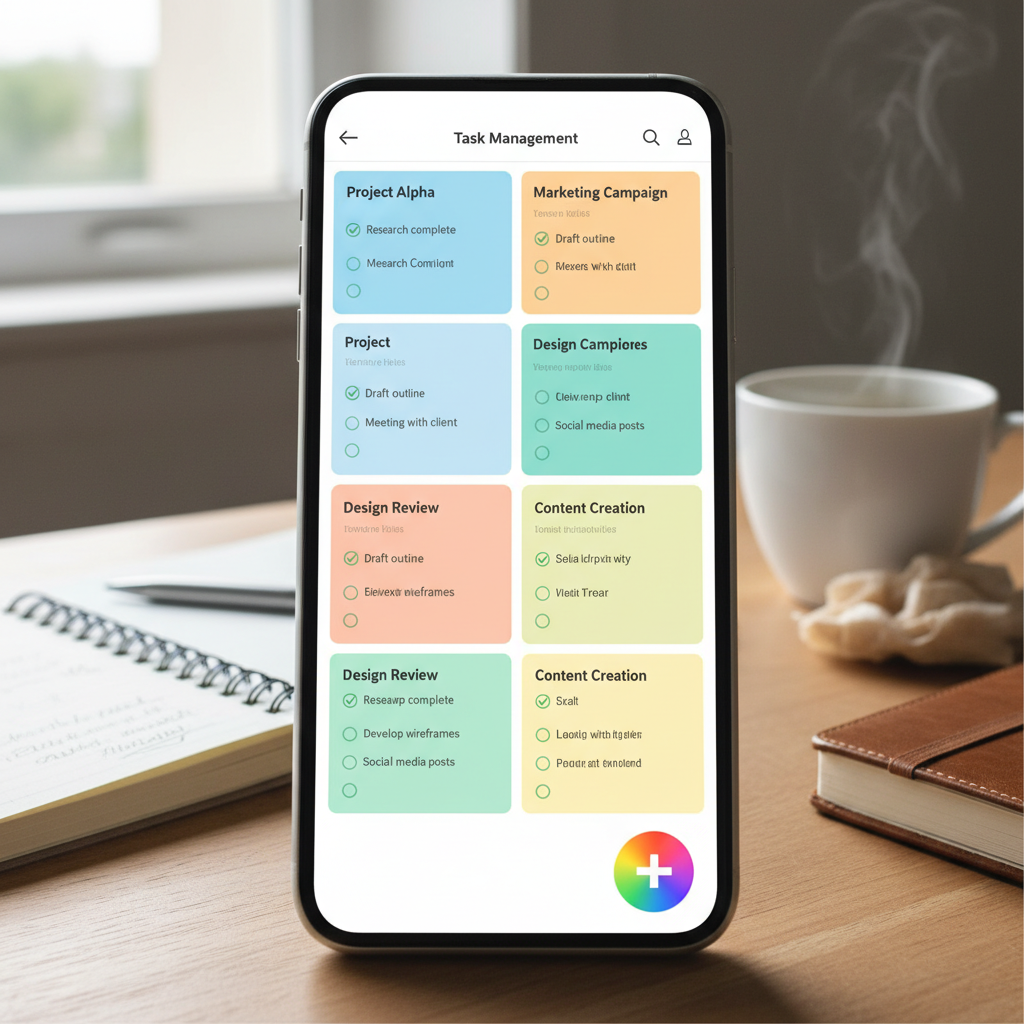
What makes Keep specifically valuable for students is the collaborative checklist feature: create a shared checklist for your group project and watch it update in real-time as teammates check off their contributions. The Android version syncs instantly with the web version, so you can start a note on your phone during a lecture and continue on your laptop later without any friction.
5. Forest: Gamifying Focus Time Into Actual Accountability
Forest operates on a deceptively simple premise: start a focus session and a virtual tree grows on your screen as long as you stay in the app and avoid your phone's distractions. If you leave the app to check social media, your tree dies, creating genuine psychological friction against mindless browsing. What started as a gimmick has evolved into something surprisingly effective: researchers at the University of California found that students using gamified focus apps completed assignments 23% faster with comparable quality to non-gamified versions.
The free version includes all core functionality, but the paid tier plants real trees through a partnership with Trees for the Future for every session you complete. Over a semester of regular use, you're not just building academic focus habits, you're literally contributing to reforestation. The feature that students underestimate is the ability to whitelist specific apps (like medical dictionaries or research databases) while still protecting against social media during study sessions.
6. Evernote: Premium Note Storage With Powerful Search Capabilities
Evernote's reputation has fluctuated over the years, but the platform remains exceptional for the specific task of capturing and retrieving information across multiple devices. The app's text recognition engine scans photos of handwritten notes and makes them searchable, which transforms how you can retrieve information from notebooks you physically wrote years earlier. Many advanced students clip web articles, lecture slides, and research papers directly into Evernote, tagging them by course and topic, creating a searchable archive that rivals library databases for personal research.
The free version limits you to two devices, which is surprisingly restrictive for students juggling phones, tablets, and laptops. Evernote Premium (about $8 monthly) removes this limitation and adds offline access, meaning you can browse your entire note collection without internet, critical for studying on flights or in dorm rooms with spotty WiFi. The business card scanning feature works exceptionally well, transforming networking contacts from professors or internship fairs into searchable text.
7. Trello: Project Management That Mirrors How Group Work Actually Happens
Trello's kanban board methodology feels natural to students who've experienced group projects where assignments move from "not started" to "in progress" to "peer review" to "submitted." Create a board for each group project, add cards for individual tasks, and assign them to specific team members with deadline visibility that prevents the classic problem of someone thinking they finished something two weeks ago when it's actually still pending. The Android app's notification system alerts you when cards are assigned, comments are added, or deadlines approach.
What separates Trello from more complex project management tools is that it's genuinely simple enough that you can convince your entire study group to use it without extensive training. The free version is fully functional for student projects, though the premium tier adds automation rules that automatically move cards through your workflow based on specific triggers, saving the informal admin work that group projects require.
8. Quizlet: Flashcard Creation and Spaced Repetition System
Quizlet has become ubiquitous in student life not because of aggressive marketing but because students genuinely discover it on their own and evangelize it. The platform handles flashcard creation with remarkable flexibility: you can type cards manually, import from Excel files, take photos of physical flashcards, or use voice to create audio-based flashcard sets. The study modes include traditional card flipping, multiple-choice quizzes, matching games, and gravity mode (a game where you destroy falling answers to questions), which transforms memorization from tedious repetition into something resembling actual games.
The spaced repetition system automatically prioritizes cards you consistently struggle with, a technique backed by decades of cognitive science research. According to a study published in Learning and Individual Differences, students using spaced repetition systems achieved 39% higher test scores compared to traditional cramming, and Quizlet's algorithm is specifically designed around this principle. The community library contains millions of study sets created by students for standardized tests, college courses, and foreign languages, meaning you often don't need to create every flashcard from scratch.
9. Zapier: Automation That Connects Your Entire Productivity Stack
Zapier functions as the nervous system connecting all your other productivity apps, automating the tedious interconnections that normally require manual work. Set up a Zap that automatically creates a Todoist task whenever you receive an email with "assignment" or "due date" in the subject line. Create another that adds events to Google Calendar whenever you create a task in Todoist with specific priority levels. These automations sound minor until you realize you're eliminating the friction that causes information to fall through cracks between apps.
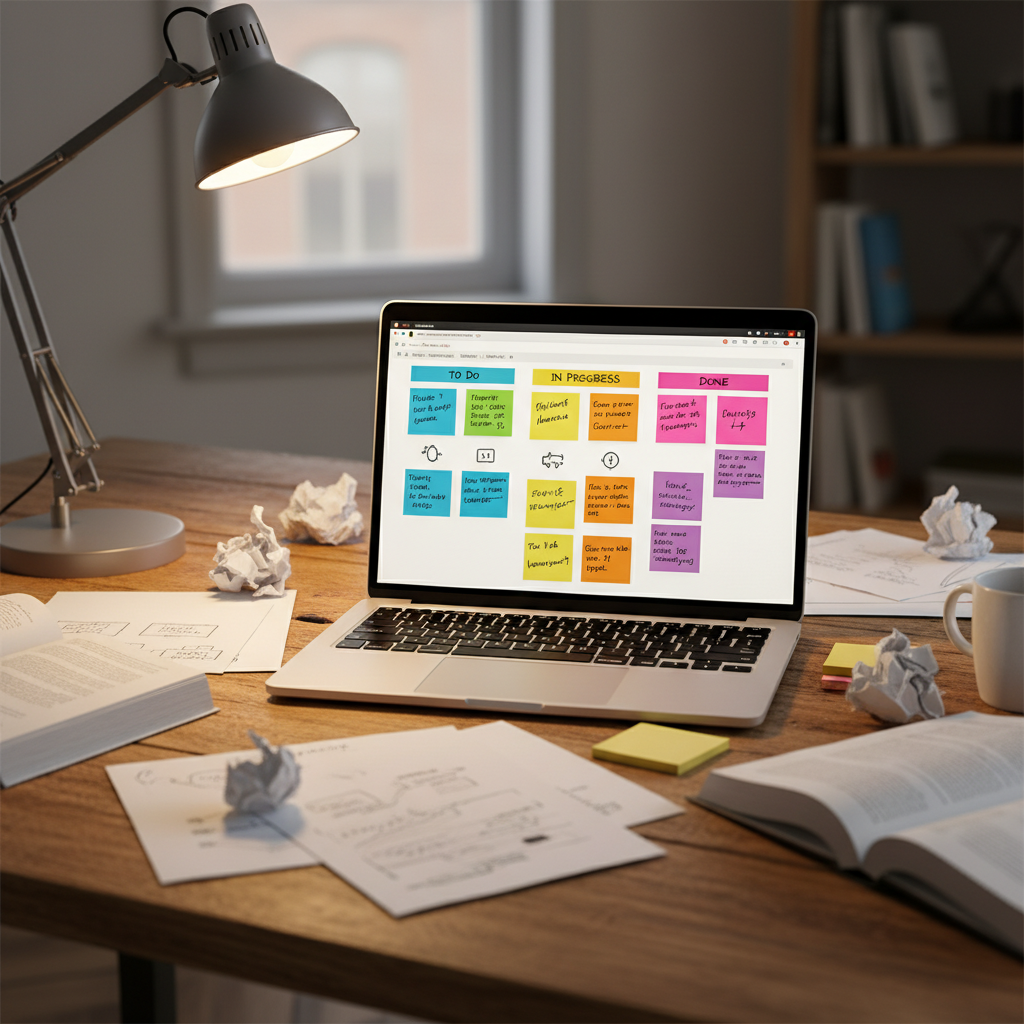
The free tier allows three basic Zaps, which is genuinely useful for automating your most critical workflows. As your productivity system becomes more sophisticated, the paid tiers (around $20 monthly) unlock advanced Zaps that can do things like automatically create backup copies of your Google Drive files, send Slack notifications when assignments are due, or log completed tasks into spreadsheets for later analysis. Many students don't think about automation until they're drowning in manual data entry between apps.
10. Microsoft OneNote Versus Apple Notes: A Honest Comparison for Cross-Platform Students
If you're a student using Android but also occasionally borrowing a MacBook or iPad, you've encountered the friction of note-taking apps that don't sync perfectly across platforms. Microsoft OneNote's Android implementation syncs flawlessly with the desktop and web versions, while Apple Notes remains restricted to Apple devices. For students living in mixed-device environments, OneNote's cross-platform consistency becomes valuable enough to outweigh some feature limitations compared to Apple-exclusive options.
What matters more for Android students is that OneNote's Android app has been significantly improved over the past two years and now handles complex formatting, embedded images, and even mathematical equations without degradation. The real advantage emerges when you're studying from printed materials: OneNote's camera feature photographs textbook pages and makes the text searchable, while Apple Notes requires you to manually type or use inferior text recognition.
11. Google Calendar: The Unsexy Foundation of Student Time Management
Google Calendar earns this spot not because it's flashy but because it's the foundational layer that everything else builds upon. Every productivity system succeeds or fails based on whether your deadlines are actually visible in your calendar, and Google Calendar's Android app provides the most reliable integration point with other tools. Create separate calendars for different courses, color-code them by class, and suddenly you see the semester's workload distribution at a glance rather than scattered across individual syllabi.
The task integration in Google Calendar (formerly Google Tasks) converts your calendar into a combined schedule and to-do list view, showing you both when events happen and what actually needs to be accomplished. Set recurring tasks for weekly readings, and you'll receive notifications days in advance rather than discovering missed work through failed quizzes. Many students skip using their university's official calendar app and instead import their course schedule into Google Calendar, eliminating the need to check multiple apps for deadline information.
How to Actually Implement This: A Realistic Approach
The temptation with productivity app lists is to download all eleven tools and spend three weeks configuring the perfect system before writing a single assignment. The realistic approach is different: start with two or three core tools that genuinely match your personality. If you're naturally organized and love structure, begin with Notion or Todoist. If you're more spontaneous and need capture-first systems, start with Google Keep and OneNote. Add one additional tool per week only after the previous tool has become habitual enough that you're actually using it.
The apps that work best for students are the ones you'll actually open without thinking, the same way you'd automatically open Instagram or messaging apps. This means matching your tool selection to your existing habits rather than trying to force yourself into someone else's productivity system.
Your productivity system should evolve throughout your academic career, shedding tools that don't serve you and integrating new ones as your courses and challenges change. The goal isn't finding the "perfect" app; it's building a ecosystem of tools that collectively eliminate the friction between thinking about work and actually completing it. Start small, stay consistent, and you'll naturally discover which combination of these apps transforms from theoretical promise into genuine academic advantage.