
Adobe Creative Cloud costs $82.49 per month for a single app, Microsoft 365 runs $70 annually for productivity tools, and Zoom premium hits $15.99 monthly. A 2024 Capterra survey found that the average business subscribes to 130 SaaS applications, with subscription costs consuming nearly 15% of IT budgets. The good news: legitimate, fully-featured alternatives exist that can handle nearly everything these paid platforms do, and they won't cost you a cent. This list breaks down 17 free software alternatives that deliver genuine professional-grade functionality, not just stripped-down imitations of premium tools.
1. GIMP: Desktop Image Editing Without Adobe's Price Tag
GIMP (GNU Image Manipulation Program) has been the go-to alternative to Photoshop for nearly 30 years, and with its 2023 overhaul adding Python-fu scripting and improved UI, it's more relevant than ever. The software handles layer-based editing, advanced selection tools, content-aware healing, and batch processing that would require Photoshop's premium subscription. What most users discover after switching is that GIMP's customizable interface actually exceeds Photoshop's flexibility once you spend an hour configuring your workspace. The learning curve exists, but hundreds of YouTube creators have documented every workflow, and the official GIMP documentation has matured substantially. If you're doing social media graphics, photo retouching, or digital art, GIMP performs tasks that justify Adobe's $82.49 monthly fee without requiring a credit card.
Trying to build a setup that costs nothing? If you're a student, pair these free alternatives with our roundup of the best productivity apps for students, the apps that actually keep you focused without a subscription.
2. LibreOffice: The Office Suite That Actually Respects Your Budget
Microsoft 365 charges $70 per year for Word, Excel, and PowerPoint, but LibreOffice delivers native compatibility with Microsoft Office formats while adding features that Office doesn't include by default. The software opens .docx, .xlsx, and .pptx files without conversion hiccups, and exports back to those formats flawlessly. Where LibreOffice distinguishes itself is in its Database component (similar to Access), Draw module for vector graphics, and Math tool for equation formatting that Microsoft Office enthusiasts must purchase separately. A study by Gartner noted that LibreOffice adoption in European government agencies increased 23% between 2021 and 2023, primarily because organizations discovered zero difference in document compatibility while eliminating subscription costs. For anyone writing reports, creating presentations, or managing spreadsheets, LibreOffice has matured past the "free alternative" label and into professional-grade status.
Related: Best Note-Taking Apps for Every Type of User
3. DaVinci Resolve: Video Editing Software That Rivals Programs Costing $700+
The free version of DaVinci Resolve includes color grading, motion graphics, and editing capabilities that Final Cut Pro (Apple's $300 one-time purchase) and Adobe Premiere Pro ($55/month) charge money for as standard features. Blackmagic Design, the company behind DaVinci Resolve, actually makes money from hardware sales, allowing them to keep the software free and monetize through their cinema cameras. YouTubers like Casey Frazelle and Film Riot have demonstrated that the free version handles 4K editing, complex color correction, and fusion effects without performance penalties compared to paid alternatives. The paid Studio version ($295) adds collaborative tools, but the free version is genuinely feature-complete for anyone editing podcasts, YouTube videos, or independent films. The software runs on Windows, Mac, and Linux, which alone eliminates the proprietary hardware lock-in that Adobe and Final Cut Pro impose.
4. Blender: 3D Modeling, Animation, and Rendering at Zero Cost
Blender is a 3D creation suite that would cost $4,495 per year for an Autodesk Maya subscription, yet the open-source version includes sculpting, modeling, animation, rendering, compositing, and motion tracking in a single unified interface. The software's real-time rendering engine (Cycles) has been adopted by professional studios including Netflix and Ubisoft for production work, not just student projects. What catches newcomers off-guard is Blender's maturity: the project released version 4.0 in 2023 with an updated UI specifically designed to reduce the learning curve for software newcomers. A survey by the Blender Foundation found that 40% of respondents use Blender professionally, and 68% of those never pay for any upgrade. If you're interested in 3D visualization, character design, VFX, or architectural rendering, Blender provides an entry point that doesn't require justifying a $375 monthly Maya subscription to anyone.
5. Thunderbird: Email Client That Outperforms Outlook
Mozilla's Thunderbird manages email, calendars, and contacts across multiple accounts without monthly subscription fees or data harvesting. While Outlook Online costs $6 per month through Microsoft 365, Thunderbird maintains feature parity for email management while adding superior spam filtering, more granular folder organization, and the ability to import mail from virtually any legacy system. The software integrates with add-ons that extend functionality (encryption plugins like Enigmail, advanced filtering, archiving tools), creating an ecosystem similar to Firefox's extension model. Thunderbird handles IMAP, POP3, Exchange, and Gmail seamlessly, and a 2024 Mozilla report noted that Thunderbird users average 3.2 email accounts per installation, suggesting the software appeals to people managing complex communication environments. For anyone tired of web-based email interfaces that load slowly and track behavior, Thunderbird restores the speed and control that desktop email clients originally offered.
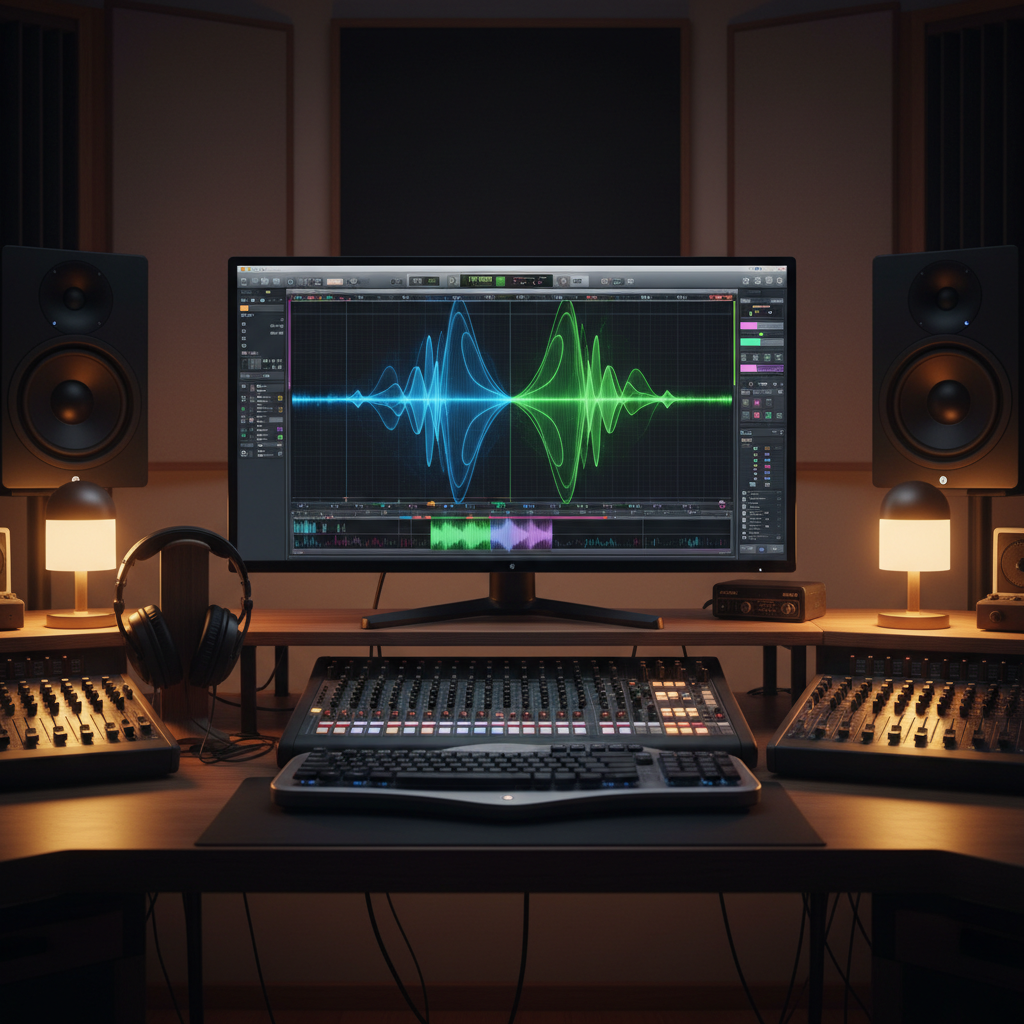
6. Audacity: Audio Editing Without the $20+ Monthly Subscription
Audacity handles podcast editing, music production, audio restoration, and sound design with tools that competing products like Adobe Audition ($23.49/month) charge for. The 2023 rewrite added improved spectral editing, better MIDI support, and a modernized interface that eliminated years of accumulated UI debt. What separates Audacity from garage-project status is its use by professional podcasters (including some NPR producers) who appreciate the spectral display for identifying and removing specific frequencies without affecting surrounding audio. The software's chain processing allows you to apply effects to hundreds of audio files sequentially, a feature particularly useful if you're managing music libraries or transcoding formats. Having used both Audacity and Adobe Audition for podcast mastering, I can confirm the free version handles 95% of real-world tasks, and the paid alternative's main advantage is slightly faster processing on enormous multi-track sessions.
Related: 22 Keyboard Shortcuts That Actually Save You Time (And Your Wrists)
7. Calibre: Ebook Management That Amazon and Apple Don't Want You to Know About
Calibre is an open-source library manager for ebooks that handles format conversion, metadata editing, and DRM removal in ways that proprietary platforms like Kindle Unlimited deliberately restrict. The software converts EPUB to MOBI, PDF, AZW3, and dozens of other formats, allowing you to read purchased books across any device regardless of publisher restrictions. Calibre's content server feature transforms your home computer into a personal Kindle library accessible from any browser, a capability that justifies the software's existence even if you don't actively use format conversion. According to a 2023 Author's Guild survey, 31% of indie authors use Calibre as their primary distribution tool, bypassing Amazon KDP and maintaining direct reader relationships. The software's email feature sends converted books directly to Kindle devices, creating a workflow that Kindle's official tools don't support. If you've ever purchased an ebook and felt restricted about how you could read it, Calibre restores the control that DRM systems removed.
8. Nextcloud: Cloud Storage That Doesn't Require Trusting Your Data to Google or Microsoft
Nextcloud is a self-hosted cloud platform that replicates OneDrive, Google Drive, and Dropbox features while running on servers you control rather than corporate data centers harvesting your information. The software handles file synchronization, version control, real-time collaboration on documents, and integration with video conferencing tools, delivering a unified workspace that Google Workspace charges $6-18 per user per month to provide. Installing Nextcloud requires a basic server (even a Raspberry Pi qualifies), but once operational, the cost per user approximates zero while you maintain complete data sovereignty. Organizations including the German government and the French military shifted to Nextcloud to eliminate dependency on U.S.-based cloud providers, and a 2024 Linux Foundation report found that enterprise Nextcloud deployments increased 34% year-over-year. The learning curve exists (installing Nextcloud requires Linux command line comfort), but for teams prioritizing privacy and control, the payoff outweighs the initial setup complexity.
9. Inkscape: Vector Graphics Design Without Adobe Creative Cloud
Inkscape is a vector drawing application that handles logo design, illustration, and graphic layout with capabilities that Adobe Illustrator requires a $82.49 monthly subscription to access. The software uses scalable vector format (SVG) as its native file type, making it the de facto standard tool for web designers and UI/UX professionals who need cross-platform compatibility. Inkscape's node editing system and pathfinding algorithms are genuinely superior to Illustrator's in specific workflows, particularly when you're manipulating complex paths or performing boolean operations on overlapping shapes. The software's Bezier tool has been refined over two decades to a level where professional designers regularly choose it over paid alternatives for precision work. According to a 2023 Smashing Magazine design tools survey, 22% of freelance graphic designers use Inkscape as their primary vector tool, up from 14% in 2018, suggesting its reputation among professionals is expanding beyond "budget alternative" territory.
10. OBS Studio: Streaming and Recording Software That Professional Broadcasters Use
OBS Studio is an open-source streaming application that content creators use to broadcast to YouTube, Twitch, and Facebook without paying for Streamlabs OBS ($299 annually) or XSplit ($180-300/year). The software handles multiple video sources, real-time encoding, scene transitions, audio mixing, and streaming to multiple platforms simultaneously. What distinguishes OBS is its plugin ecosystem: third-party developers have created extensions for virtual backgrounds, advanced color correction, chat integration, and custom effects that rival paid alternatives' feature sets. According to Twitch's own platform reports, approximately 60% of active streamers use OBS or OBS-derived tools, making it the industry standard rather than a budget workaround. The software's learning curve is steeper than consumer-focused alternatives, but hundreds of YouTube tutorials document every feature, and the active community answers configuration questions on Reddit and Discord within minutes. If you're streaming games, conducting virtual meetings with professional production quality, or recording tutorials, OBS Studio provides capabilities that justify paid software's existence while costing nothing.
11. Joplin: Note-Taking That Actually Respects Your Privacy
Joplin is a free, open-source note application that performs the same tasks as Evernote ($14.99/month for premium) while encrypting your notes end-to-end and syncing through providers you choose (Nextcloud, Dropbox, OneDrive). The software handles rich text formatting, markdown editing, image embedding, and tagging systems that organize information as efficiently as Evernote without the artificial feature limitations of free tiers. Unlike Evernote's notorious pricing strategy, which increased personal subscription costs 30% in 2023, Joplin's model ensures you'll never receive surprise billing emails. The application supports plugins and themes, allowing power users to customize interface behavior without requiring developer knowledge. A key advantage that's often overlooked: Joplin's database remains portable and human-readable (stored in standard formats), meaning your notes aren't locked into Joplin's proprietary format if you eventually migrate elsewhere. For researchers, writers, and knowledge workers who've been burned by Evernote's shifting monetization, Joplin offers stability combined with legitimate feature parity.
12. PhotoScape X: Photo Editing That Reaches 80% of Lightroom's Functionality
PhotoScape X is a free image organizer and batch editor that handles the exact tasks that Adobe Lightroom charges $9.99 monthly to provide: non-destructive editing, exposure correction, color grading, and batch processing across hundreds of images. The software's interface is actually more intuitive than Lightroom's for photographers who aren't processing thousands of RAW files per week and simply want straightforward editing without learning hierarchical catalog structures. PhotoScape X handles most standard RAW formats (Canon, Nikon, Sony), applies lens profiles for distortion correction, and includes perspective correction tools for architectural photography. The batch processing feature alone eliminates hour-long post-processing sessions if you're applying consistent edits across photo libraries. What doesn't match Lightroom's functionality: advanced masking tools, complex keyword tagging for large archives, and AI-powered object recognition. But for hobby photographers and content creators managing reasonable image quantities, PhotoScape X eliminates Lightroom's $120 annual subscription while handling the actual editing work you perform daily.
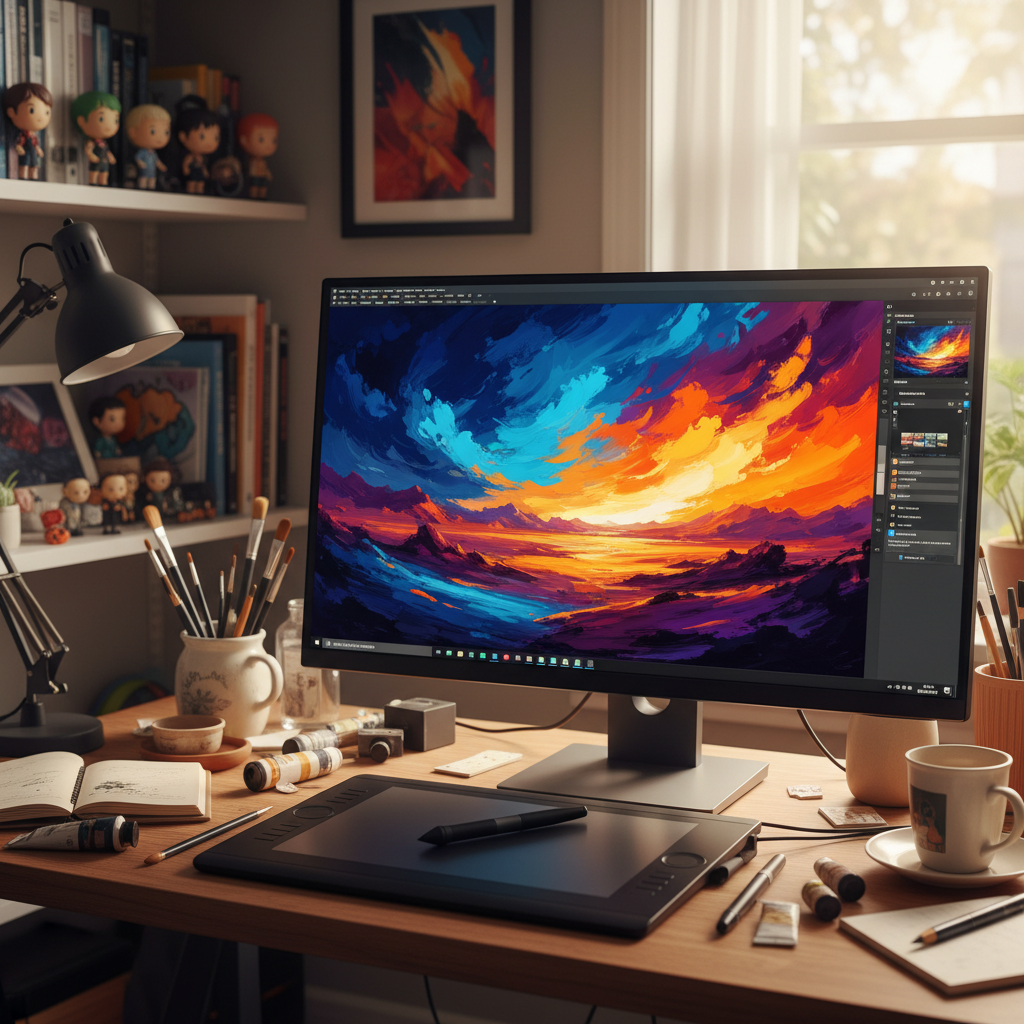
13. Krita: Digital Painting Software That Rivals Programs Costing $400+
Krita is a digital painting application funded by community donations and government arts grants, delivering professional-grade brushes, blending modes, and canvas management that Corel Painter ($429 one-time purchase) and Photoshop ($82.49/month) compete to provide. The software's brush engine is genuinely exceptional: Krita includes over 100 pre-configured brushes, but its brush creation system allows artists to design custom tools that respond to pressure, tilt, and rotation with parametric control that exceeds Photoshop's brush capabilities. Digital artists including professional concept designers for video game studios use Krita as their primary tool rather than treating it as a stepping stone to Photoshop. The software's animation module handles frame-by-frame animation and vector tweening, adding functionality that Photoshop requires the separate Animate application to access. According to Krita Foundation data, the application averages 4.2 million monthly users, with 45% reporting professional or semi-professional use, indicating the software's maturity extends far beyond hobbyist tinkering. If you're seriously exploring digital art, Krita eliminates the "I'll use free software until I'm skilled enough for paid tools" mentality and proves free tools can be genuinely professional-grade.
14. 7-Zip: File Compression That Actually Works Across Operating Systems
7-Zip is a file archive utility that handles compression with superior algorithms to the built-in tools that Windows and Mac include, all while supporting more formats and charging absolutely nothing. The software uses the LZMA compression method, which typically achieves 10-20% better compression ratios than standard ZIP format, meaning your files take up less drive space and transfer faster over networks. What separates 7-Zip from Windows' native compression: it handles RAR, ISO, and TAR formats natively, encrypts archives with AES-256 encryption, and integrates directly into right-click context menus for seamless workflow integration. IT professionals and system administrators use 7-Zip precisely because it's lightweight, dependency-free, and scriptable, making it ideal for automated backup and deployment workflows that paid software complicates with licensing restrictions. The software's command-line interface allows system-level integration that GUI-only tools don't provide, giving power users the flexibility that professional environments require. If you're compressing files regularly, 7-Zip's efficiency will reduce storage costs and network bandwidth significantly enough to justify mentioning it alongside "serious" software alternatives.
15. Bitwarden: Password Management Without Monthly Subscription Fees
Bitwarden is a password manager that performs identically to 1Password ($2.99/month) and LastPass ($36/year) while maintaining complete transparency about its security architecture through open-source auditing. The software stores passwords encrypted end-to-end, syncs across devices seamlessly, and auto-fills login credentials with reliability that matches or exceeds commercial competitors. Bitwarden's unique advantage: you can self-host the entire application on your own server, running a password database locally without trusting external companies to secure your credentials. Even the cloud-hosted version costs nothing for personal use, with optional $10/year premium features that remain completely optional rather than lock-in requirements. According to a 2024 Bitwarden security audit by Cure53, the application's encryption implementation equals standards used by government agencies, a distinction that doesn't separate it from competitors but confirms its legitimacy. If password security concerns you and you're currently using Excel spreadsheets or browser password managers, Bitwarden represents a genuine upgrade that costs absolutely nothing to implement.
16. HandBrake: Video Transcoding and Format Conversion Without Software Licensing
HandBrake is an open-source video converter that transcodes media files between formats, handles batch processing, and applies quality presets optimized for specific devices or platforms. The software eliminates the need for services like MediaConverter ($19.99/month) or Adobe's Media Encoder (included with Creative Cloud), instead providing frame-accurate conversions with detailed control over bitrate, resolution, and codec selection. HandBrake's presets include optimizations for iPhone, iPad, Roku, Apple TV, and numerous streaming platforms, allowing you to prepare video content for distribution without manual quality research. The software handles subtitle embedding, audio track selection, and chapter marking, transforming raw video files into production-ready outputs. Video professionals use HandBrake specifically because it's lightweight and non-destructive (original files remain unchanged), allowing it to integrate into complex post-production workflows without introducing additional rendering overhead. If you manage video libraries, prepare content for multiple device types, or convert between video formats regularly, HandBrake handles the actual work while more expensive alternatives market themselves through brand recognition rather than technical superiority.
17. NetNewsWire: RSS Feed Reader That Corporate Platforms Forgot
NetNewsWire is a free RSS feed reader for macOS and iOS that retrieves news, blogs, and podcast feeds through open standards, bypassing algorithmic feeds designed to maximize engagement rather than deliver relevant information. The application syncs across devices using open feed standards, allowing you to read subscriptions on Mac, iPhone, or iPad without creating accounts or enabling notifications you didn't request. RSS feeds provide direct content delivery from publishers, eliminating the algorithmic filtering that social media platforms impose, and NetNewsWire's interface is optimized specifically for people who want to read rather than doom-scroll. The software integrates with Feedly, The Old Reader, and other RSS services if you want cloud synchronization, but works perfectly offline with local feed subscriptions. According to a 2024 Pew Research Center survey, 23% of regular internet users employ RSS or feed readers, a proportion that's actually increased from 2015's 18%, suggesting dissatisfaction with algorithmic feeds is driving renewed adoption. If you've abandoned news browsing because social media's recommendation algorithms only show outrage content, NetNewsWire restores the web's original information distribution model through technology that predates engagement optimization entirely.
Closing Perspective
The software alternatives in this list represent decades of open-source development, community funding, and genuine investment in product quality. They're not compromises or stopgaps you'll eventually outgrow: they're actual tools that professionals use in real work environments. The subscription economy has convinced people that software requires ongoing payments to justify development, but these projects prove that sustainable models exist beyond monthly billing cycles. Start by replacing one subscription you actively use, test the alternative thoroughly, and expand from there. Within three months, you might discover you've eliminated thousands of dollars in annual software costs while gaining better control over your tools and data.