
9 Simple Tricks to Make Your Old Phone Feel Brand New Again
That older smartphone sitting in your pocket or drawer might feel sluggish and outdated, but it doesn't have to stay that way. Before you consider upgrading to a new device, try these practical tricks that can breathe fresh life into your phone and restore the snappy performance you remember. With just a few minutes of effort and some strategic adjustments, your aging device can feel remarkably new again.
1. Clear Out Your Storage Space
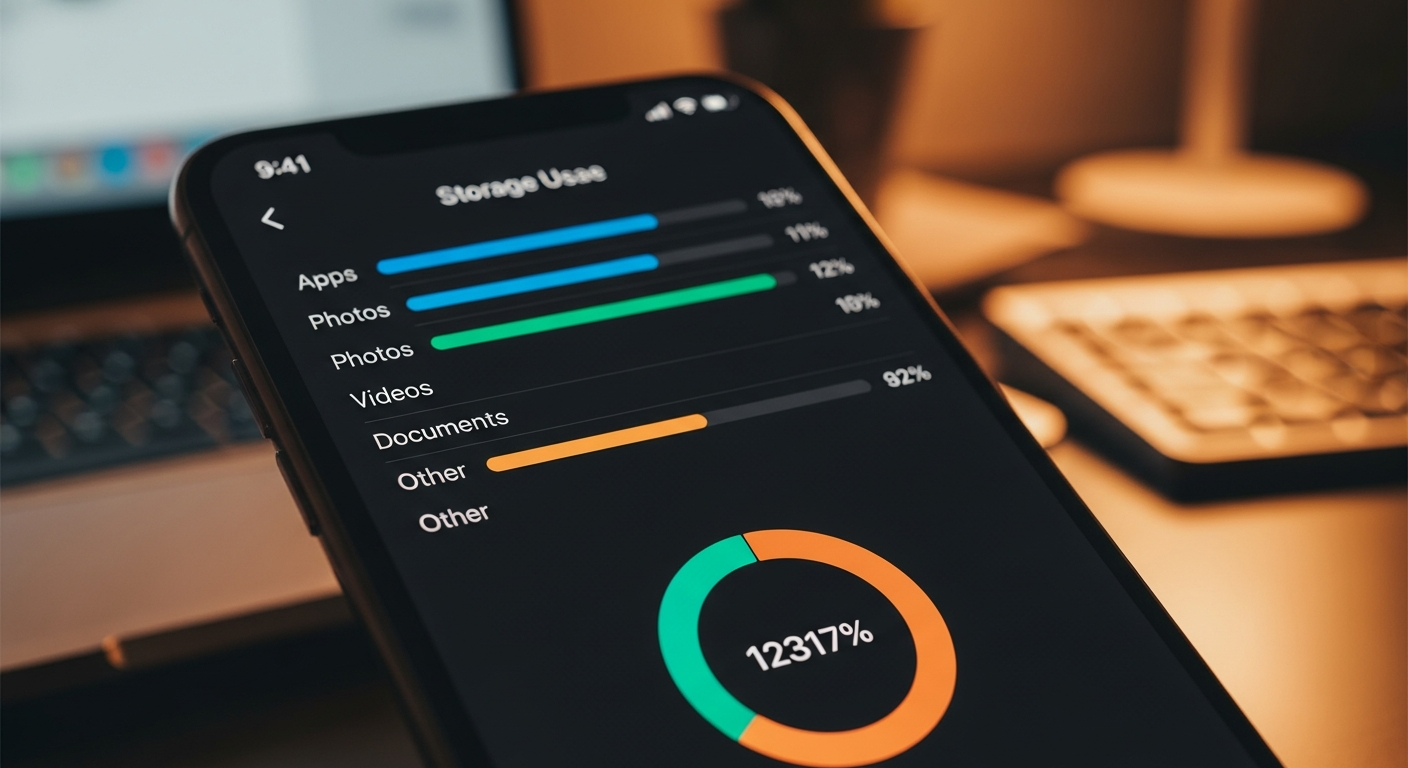
One of the fastest ways to slow down any phone is filling it with too much data. Your device needs free storage to run smoothly, and when you're hitting 80, 90, or even 95 percent capacity, the operating system struggles to function efficiently. Delete old photos you've backed up to the cloud, remove apps you haven't used in months, and clear your downloads folder of accumulated files.
2. Uninstall Apps You Don't Actually Use
Many phones come loaded with pre-installed apps that take up valuable space and run background processes you don't need. Go through your app drawer and remove anything that doesn't serve a real purpose in your daily life. Even if you can't delete system apps, you can often disable them through settings, which prevents them from consuming resources.
3. Disable Background App Refresh
Apps constantly refreshing data in the background is like having dozens of tiny drains on your battery and processing power. Head to your settings and selectively turn off background app refresh for non-essential applications. You can keep it enabled for messaging apps and email, but disable it for games, news apps, and social media that don't need real-time updates.
Related: Best Password Manager 2026: Which One Actually Protects Your Passwords
4. Turn Off Location Services for Most Apps
Location tracking drains your battery faster than almost anything else on your phone. While you might want maps and weather to know your location, most other apps don't need constant access to where you are. Go through your permissions settings and change location access to "only while using the app" for everything except a few essential services.
5. Reduce Visual Effects and Animations
Older phones especially struggle with the fancy animations and visual transitions that newer devices handle easily. Turning down these effects creates the immediate impression of a faster phone. Look for settings like "animation scale" or "transition effects" and reduce them to the minimum or turn them off completely.
6. Clear Your Cache Files Regularly
Cache files help apps load faster initially, but they can accumulate and cause problems over time. Most phones allow you to clear cache through settings under Storage or Apps. This frees up space and can resolve issues where apps behave unexpectedly or freeze occasionally.
7. Restart Your Phone Regularly
This sounds simple because it is, but restarting your phone at least once a week is remarkably effective. A fresh reboot clears temporary memory, closes background processes you forgot were running, and gives your system a chance to reset. Many people who complain about slow phones simply haven't restarted them in weeks.
Related: The Best Budget Wireless Earbuds for 2026: Premium Features Without the Price Tag
8. Update Your Operating System
Software updates often include performance improvements and bug fixes that can make a real difference on older phones. While updates can sometimes use more resources, the stability improvements and security patches usually make your device feel snappier overall. Make sure you're running the latest version your phone supports.
9. Replace Your Battery If It's Degraded
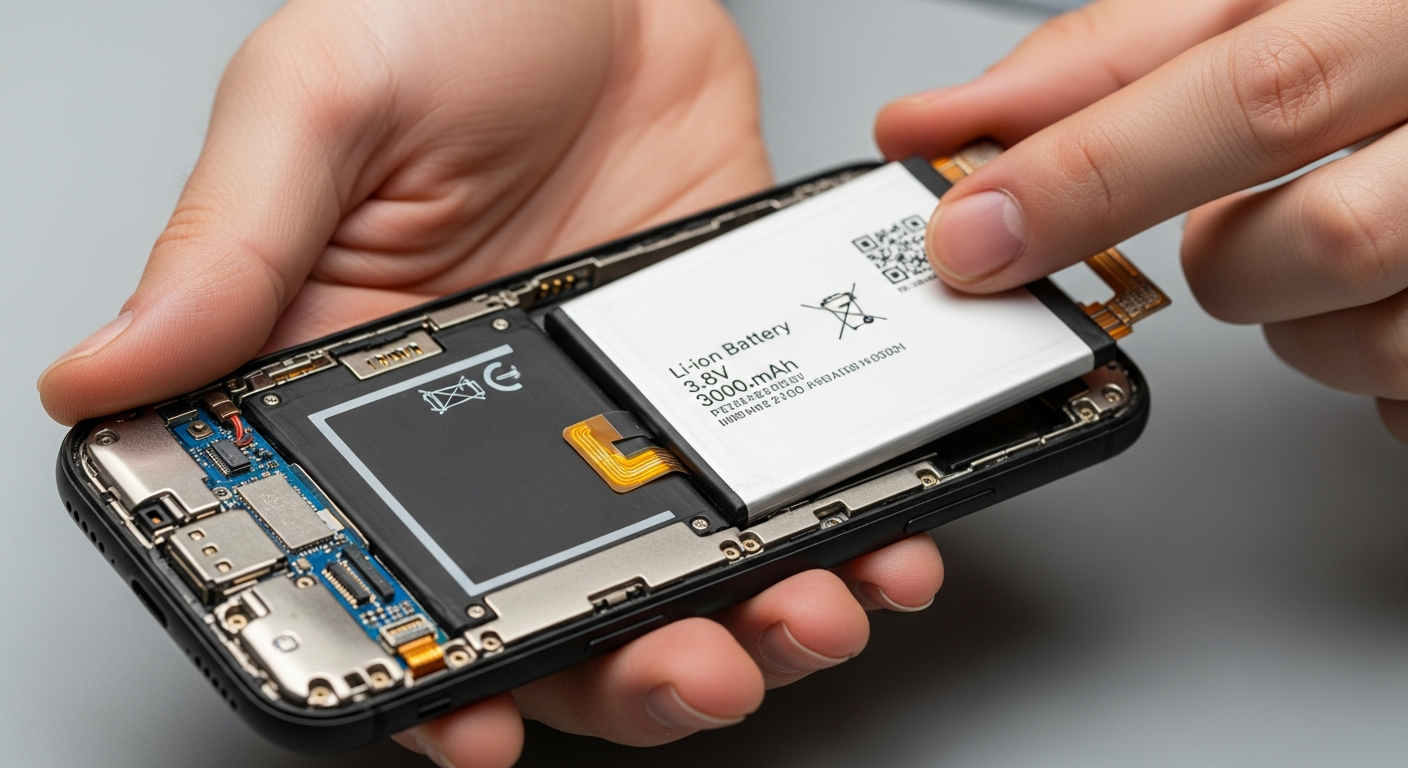
As batteries age, they hold less charge and can cause your phone to slow down significantly. Many manufacturers actually throttle processor speed to protect an aging battery, which makes your phone feel artificially slow. If your phone is a few years old and feels sluggish, a battery replacement might solve the issue without needing an entirely new device.
These nine tricks can transform how your older phone performs and feels in your hand. By implementing even a few of these strategies, you'll likely notice a significant improvement in speed and responsiveness. Do you have other methods that have helped revive an aging phone? Share your own tricks in the comments below, and let's help each other extend the life of our devices.