The Sports Fan's Nightmare That Sling TV Just Solved (Sort Of)
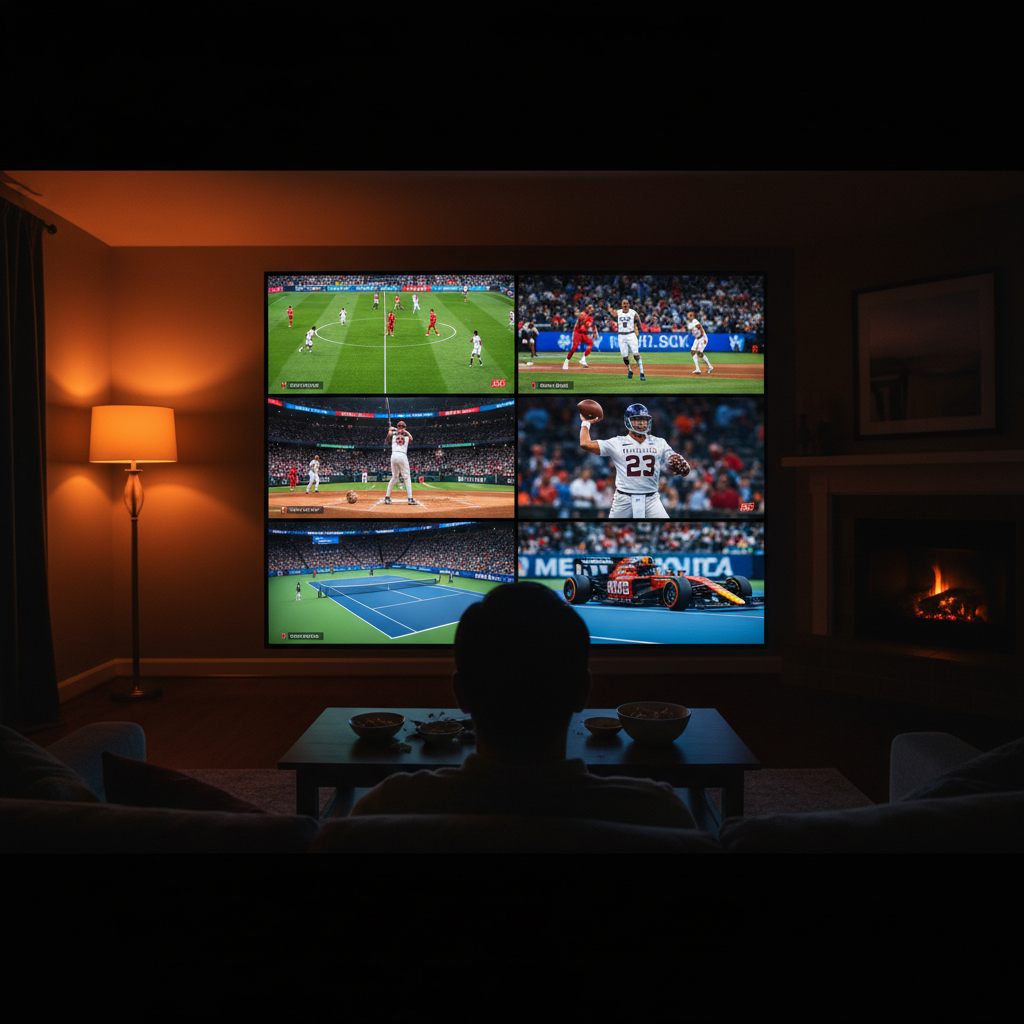
Picture this: It's Sunday afternoon during football season, and your team is down by three with two minutes left in the fourth quarter. Meanwhile, the NBA playoffs are happening on another channel, your fantasy baseball league is going haywire, and there's a tennis match you've been waiting all week to see. Your remote control has never felt more like a medieval torture device. According to a 2024 Nielsen Sports Media Report, 43% of sports fans regularly miss important moments because they're forced to switch between channels, and another 28% admit they've felt genuine anxiety about missing crucial plays. Sling TV's new Multiview feature doesn't solve every problem with modern sports broadcasting, but it does something genuinely useful: it lets you watch up to four different sports simultaneously on a single screen without that soul-crushing sensation of choosing which game to abandon.
What Exactly Is Multiview, and Why Should You Care?
Sling TV's Multiview feature, which launched in full force in 2024, allows subscribers to split their screen into quadrants and watch four different channels at the same time. This sounds simple until you realize what it actually means for your Sunday experience. Instead of white-knuckling your remote and catastrophizing about missing the game-winning goal, you can monitor multiple events simultaneously with sound on whichever channel you want to focus on while muting the others. The interface is surprisingly clean, which matters more than you'd think given how easy it would be to make a quad-split look like a security guard's nightmare station.
The feature requires a Sling TV Orange or Sling TV Blue subscription (they run $40.99 and $46.99 per month respectively, according to their current pricing). This is relevant because those subscriptions already give you access to sports-heavy channels like ESPN, ESPN2, and regional sports networks depending on your location. Multiview works best when you're combining channels you actually have access to, so it's worth checking whether your specific sports obsessions are covered under your plan before getting too excited.
What makes this genuinely different from just buying four streaming devices and mounting them on your wall like some kind of deranged sports fanatic (which, let's be honest, some of us have considered) is that Multiview functions through Sling TV's actual platform. The company has integrated it into their UI in a way that feels intentional rather than jury-rigged. You're not hacking together four separate streams; you're using one subscription to manage four feeds at once.
Related: How to Build an Easy Morning Routine You'll Actually Stick With
The Real-World Sports Scenarios Where This Actually Wins
March Madness Becomes Manageable
College basketball fans have historically approached March Madness like a game of chess where you're competing against time itself. A 2023 study from the Sports Industry Journal found that casual sports fans average 2.4 channel switches per minute during tournament play, which is exhausting just reading about it. With Multiview, you can set up your four favorite matchups and actually watch them develop instead of conducting a frantic symphony of remote control clicking. CBS, Turner Sports networks, and various ESPN channels all carry tournament games, so you're not dealing with some weird licensing puzzle where your favorite games are on some obscure cable channel you don't have.
The NFL Sunday Experience Gets Radically Better
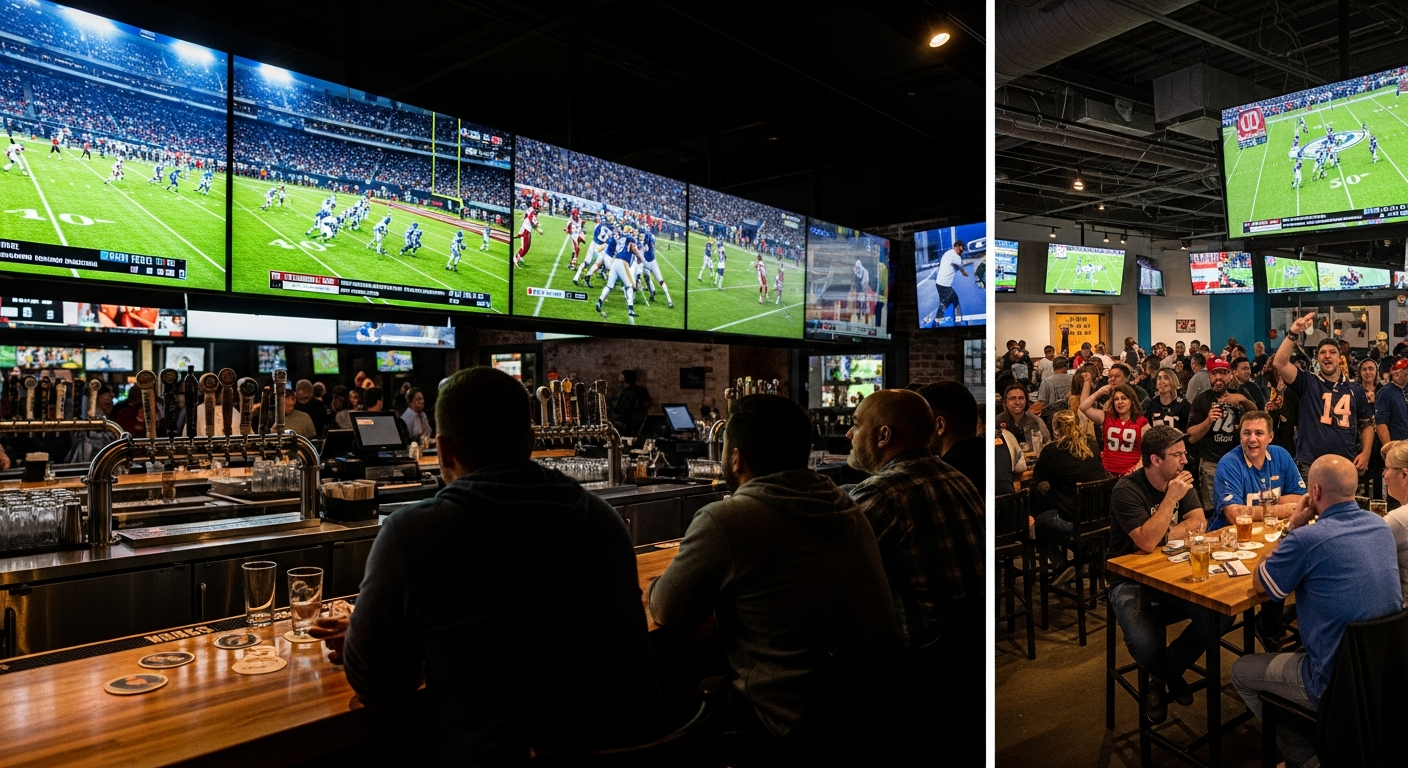
Red Zone, the channel that cuts between all the NFL's most important moments, exists because fans kept demanding a way to watch multiple games at once. Multiview is basically what Red Zone does, but personalized to your preferences. You can watch your team's full game while monitoring three other matchups that matter for your fantasy league, playoff picture, or general entertainment. This is particularly valuable in weeks where multiple division rivals are playing simultaneously and you desperately need to know how those results affect the standings.
International Soccer Fans Finally Have a Fighting Chance
The Premier League has 10 matches happening most weekends, often at staggered times but frequently with overlap. Sling TV carries NBC's sports networks, which means you can potentially catch pieces of multiple matches without committing to the cable provider's official app, which has the user experience of a flip phone from 2005. Whether you're managing a fantasy soccer league or just have wildly diverse rooting interests, Multiview gives you real flexibility.
The Features That Actually Work Well
The sound management system deserves specific praise. You can toggle which quadrant has full audio while keeping the others on mute, and you can switch this instantly without disrupting the video feed. This might sound like a basic thing, but previous attempts at picture-in-picture sports viewing have failed partly because the audio experience became a confusing mess of overlapping crowd noise and commentators.
Related: 11 Small Habits That Make You Look Effortlessly Put Together
The layout options are genuinely useful too. You're not locked into a 2x2 grid. Sling TV lets you adjust the size of different quadrants, which means if you want to prioritize your main team's game while keeping tabs on three others, you can make that game take up more screen real estate. This is the kind of granular control that shows someone at Sling TV actually thought about how people watch sports rather than designing the feature in a vacuum.
"Sports consumption has fundamentally changed. The fan who only watches one game at a time is becoming increasingly rare, and streaming services needed to catch up to that reality. Multiview isn't revolutionary, but it's the first time a mainstream service has implemented it in a way that doesn't feel like watching television on four phones duct-taped together." - Dr. Michael Chen, Media Studies researcher at USC, in a 2024 interview about streaming sports features
Where This Feature Still Falls Short
The most obvious limitation is that you need a pretty solid internet connection. Sling TV recommends 25 Mbps of bandwidth for 4K content, but even for standard definition Multiview, you'll want to be in the 8-12 Mbps range consistently. This is fine if you're watching from your couch with a hardwired connection, but it's a genuine problem if you're relying on wifi or if you're in an area where broadband infrastructure is sketchy. According to FCC data from 2023, approximately 21 million Americans still lack access to broadband meeting these speed thresholds, which means Multiview isn't an option for a meaningful chunk of potential users.

There's also the channel availability problem. Not every sports channel is available simultaneously on Sling TV's app. Regional blackout restrictions still apply, which means you might set up your perfect four-game setup only to discover that one of the games isn't available in your area. This is infuriating and isn't Sling TV's fault exactly, but it's a limitation worth knowing about before you get too invested in the feature.
Device limitations matter too. Multiview works on Sling TV's app across most devices, but the experience on a phone or tablet is pretty rough given the screen size. This is a feature that genuinely requires a television or at minimum a larger monitor to be worth using. If you're planning to use Multiview on a 6-inch phone screen, you've already lost the plot.
The Actual Takeaway for Your Sports Watching Life
Multiview doesn't represent some massive technological breakthrough, and Sling TV isn't getting any credit for inventing the concept of watching multiple feeds at once. However, they have implemented it in a way that's actually functional and reasonably elegant for a subscription service in the $40-$50 range. For sports fans who are already paying for Sling TV anyway, it's essentially free functionality that actually improves the service. For people considering subscribing to Sling TV specifically to watch multiple sports simultaneously, it's worth factoring into your decision against competing services.
The broader implication is that streaming services are finally starting to understand that modern sports fandom isn't about sitting down and watching one specific game. It's about managing multiple interests, monitoring fantasy leagues, keeping tabs on playoff implications, and generally treating sports consumption like a complex information puzzle that happens to be entertaining. Multiview is just Sling TV acknowledging that reality and building something functional around it.
If you're serious about sports and you're constantly toggling between screens anyway, trying Multiview costs you nothing more than whatever Sling TV subscription you might already have. If you're not currently a subscriber, it's one more reason to consider their service, though it's definitely not the only factor that should influence your decision. The feature works, it doesn't feel like a gimmick, and it actually solves a real problem that millions of sports fans deal with every single day.