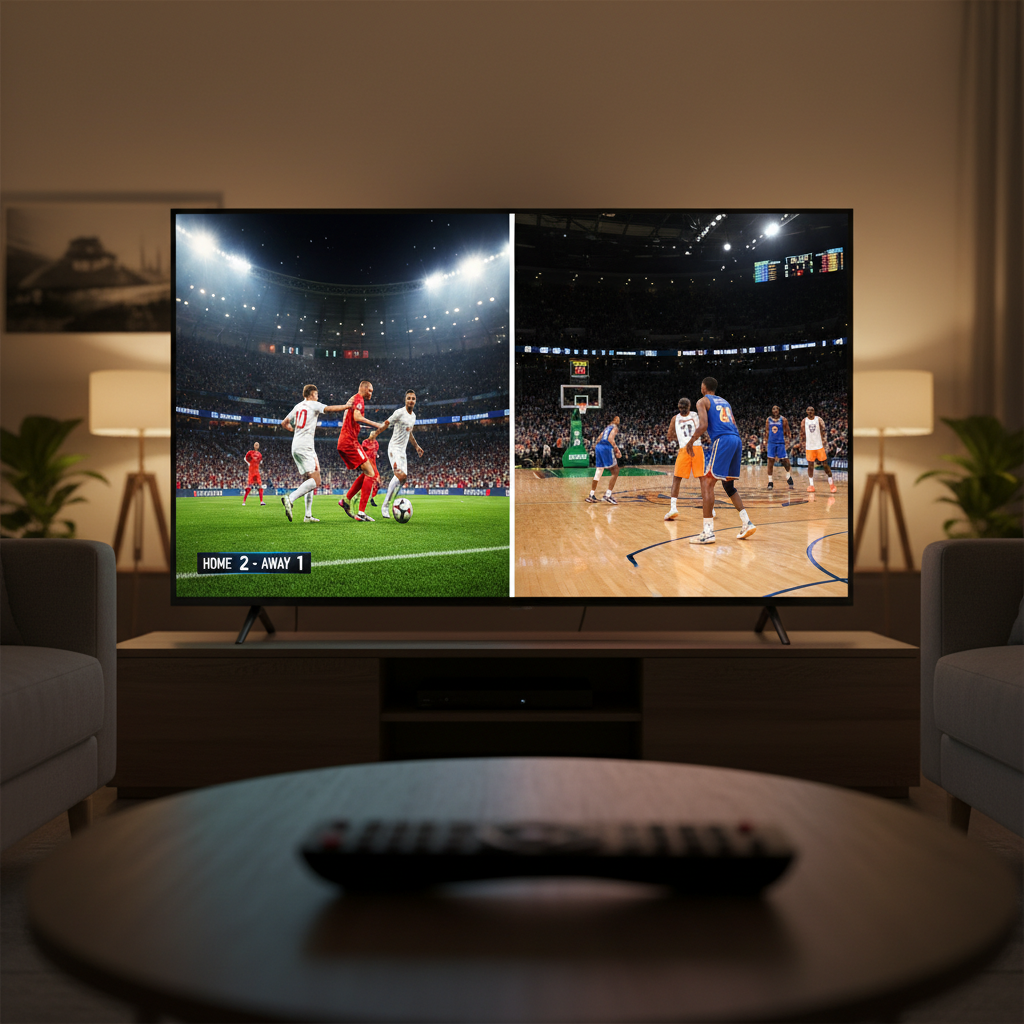
The Multi-Screen Sports Dilemma: Why Picture-in-Picture Matters More Than Ever
According to Nielsen's 2024 Sports Marketing Report, 67% of sports fans now watch multiple games simultaneously during peak seasons, particularly during college football Saturdays and NBA playoffs. This shift has created a showdown between two major streaming platforms that offer multiview capabilities: Sling TV and YouTube TV. The stakes are higher than they might seem, because choosing the wrong service could mean missing a crucial fourth-quarter comeback or that game-winning goal while checking another screen.
What started as a novelty feature has become a dealbreaker for serious sports fans. Sling TV, owned by Dish Network, pioneered the multiview concept on streaming platforms as far back as 2015. YouTube TV, launched by Google in 2017, initially focused on simplicity but eventually recognized that cord-cutters wanted the same multi-game experience they'd enjoyed with traditional cable. Now both services market their multiview features aggressively, but the execution differs significantly, and understanding those differences could save you both money and frustration come September.
The real question isn't just whether these features work. It's whether they work well enough for you to ditch cable while still catching every team you care about during critical moments. This article digs into the technical specifics, cost implications, and real-world performance of both services to help you make an informed decision.
Sling TV's Multiview: The Original Game-Changer
Sling TV's multiview feature lets you split your screen into up to four simultaneous streams, and this capability has been refined over nearly a decade. When you enable multiview on Sling, you're not just getting a picture-in-picture setup like some competitors offer. You get genuine side-by-side or quadrant viewing, which means each stream takes up its own dedicated screen real estate. For a household with passionate fans of different teams or someone who wants to monitor multiple games during March Madness, this feels genuinely useful rather than gimmicky.
Related: The 15 Best Reality Competition Shows Right Now, Ranked by Voters Who Actually Know
The catch is that Sling TV's multiview functionality works best on specific content and specific devices. The feature is available on Roku devices, Amazon Fire TV, and select Android devices, but it's notably absent from Apple TV and web browsers. This limitation is significant if your household primarily uses Apple products or if you want the flexibility of watching on your laptop. Additionally, Sling TV's multiview is restricted to qualifying channels and networks. You can't just pick any four channels and create a custom multiview layout. Instead, Sling provides pre-set multiview options for specific events.
Channel Availability and Sports Coverage
Sling TV offers two subscription tiers: Sling Orange ($40 per month) and Sling Blue ($40 per month), or both together for $60. The sports content varies between tiers. Sling Orange includes ESPN and ESPN2, along with ACC Network and some other regional options. Sling Blue carries Fox, NBC, and NFL RedZone, which is the channel serious football fans specifically seek out. For multiview during NFL games, having both tiers gives you the most flexibility, since you can potentially see multiple games that span different networks.
The practical limitation here matters more during peak season. According to Statista's 2024 streaming analysis, cord-cutters prioritize NFL and college football access above all other factors when selecting streaming services. Sling TV covers these sports reasonably well, but availability depends on whether games are broadcast on their available channels rather than regional blackouts or exclusive streaming deals. This means you might have all the multiview capacity in the world but still miss games that air on channels you don't subscribe to.
Technical Performance and User Experience
Sling TV's multiview operates smoothly when conditions are right. Users on Reddit's cord-cutting communities frequently praise the stability of the feature, with reports of minimal buffering when watching four simultaneous streams on a decent internet connection. Sling recommends 25 Mbps for 4K content, but multiview works reasonably well on 15-20 Mbps connections if you're not pushing 4K resolution simultaneously.
Related: The 10 Best Foreign Shows on Netflix Right Now
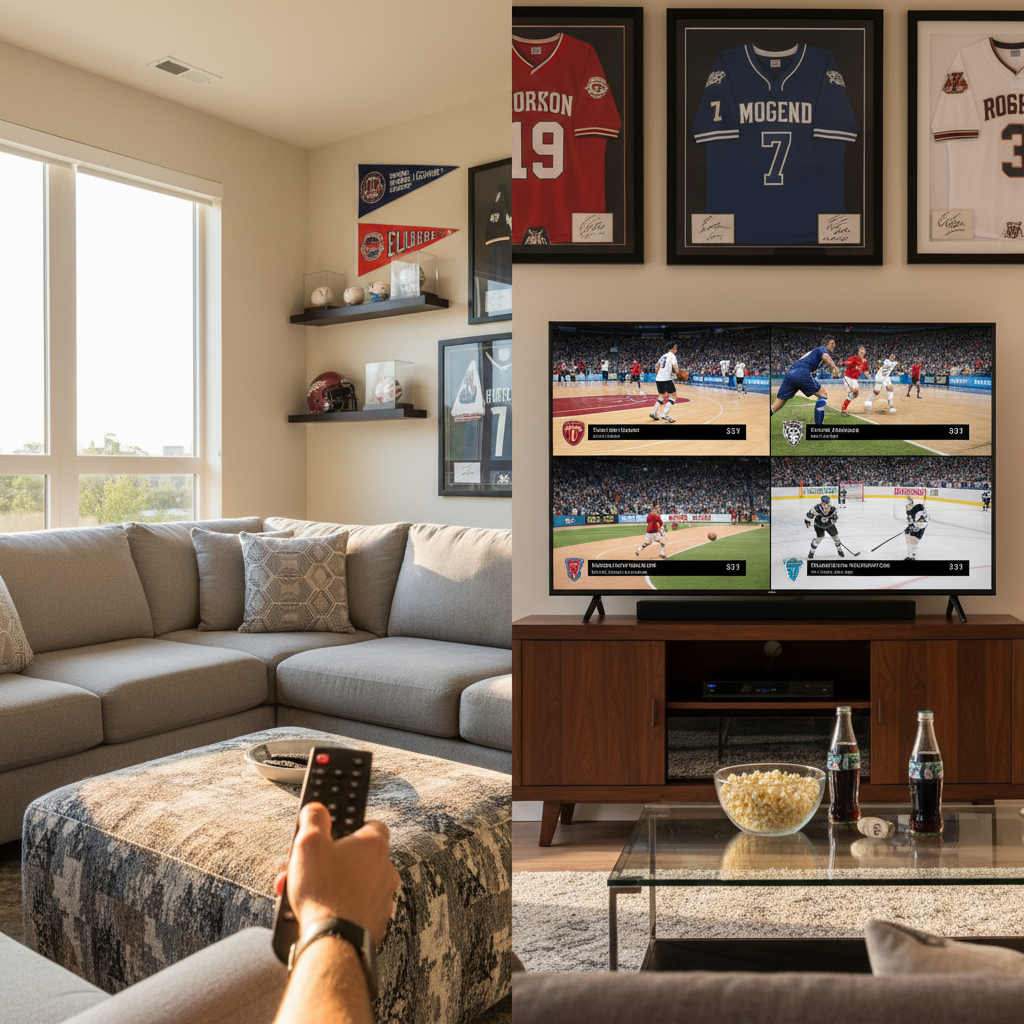
The interface, however, feels dated compared to more modern streaming experiences. Each quadrant of the multiview layout displays the channel name and a small preview, but adjusting audio levels or jumping to a specific camera angle requires exiting multiview and selecting individual streams. This friction means that if a crucial moment happens in one quadrant, you can't seamlessly switch your primary audio feed without some back-and-forth navigation.
YouTube TV's Multiview: The New Contender
YouTube TV took a different approach to multiview, rolling out the feature more recently but with some technological advantages baked in from the start. Launched as a core feature in 2020, YouTube TV's multiview maxes out at four simultaneous streams, matching Sling TV, but the platform approaches the feature with a focus on simplicity and cross-device compatibility. YouTube TV works on nearly every device that Google supports, including Apple TV, web browsers, smartphones, tablets, and Roku devices. This breadth of compatibility is a genuine advantage for households with mixed device ecosystems.
YouTube TV's multiview interface leverages Google's design philosophy: clean, intuitive, and visually polished. When you activate multiview during a sporting event, the layout automatically adjusts to show multiple games, with your primary selection displayed prominently and other streams in smaller windows. You can drag and drop streams to rearrange their positions, and audio control is straightforward with a simple toggle to switch which stream's audio you're hearing. For casual viewers or people new to the multiview concept, this setup feels less intimidating than Sling's more utilitarian design.
Pricing and Subscription Structure
YouTube TV costs $72.99 per month for its base plan as of 2024, a significant premium over Sling TV. However, that single tier includes Fox, ABC, NBC, ESPN, and dozens of other channels without requiring you to purchase multiple subscription tiers. A Pew Research survey from early 2024 found that 71% of cord-cutters cite cost as their primary concern, so this higher upfront cost might seem like a dealbreaker. That said, if you would need both Sling Orange and Sling Blue to access all the networks you want, the math becomes closer: $60 for both Sling tiers versus $72.99 for YouTube TV.
YouTube TV also includes a cloud DVR with unlimited storage, whereas Sling TV offers only 50 hours of DVR storage with its standard plans (upgradeable to 200 hours for an extra $15 per month). For sports fans recording games to watch later, this makes a noticeable difference, especially during season-heavy months like September or November when games air almost daily.
Channel Lineup and Sports-Specific Strengths
YouTube TV's channel lineup is more comprehensive for serious sports fans. You get access to ESPN, ESPN2, Fox Sports 1, NFL Network, NBA League Pass (limited), NHL Network, and most regional sports networks depending on your location. This single-tier approach eliminates the complexity of figuring out which subscription combination you need. If a regional team broadcasts through your area's Fox Sports affiliate, YouTube TV usually includes it, whereas Sling TV's regional coverage can be inconsistent.
One critical advantage: YouTube TV includes the full suite of Google's integration features. You can ask Google Assistant to pull up specific games, and the platform's search function understands sports-specific queries like "show me all Monday Night Football games this month." These conveniences matter when you're juggling multiple viewing options and want to minimize setup friction.
Head-to-Head Comparison: Where Each Service Shines
To fairly evaluate these services for sports viewing, you need to consider device compatibility, feature breadth, and total cost. Sling TV wins decisively on price if you only care about a specific sport or two available on one of its tiers. A household that watches exclusively NFL games on Fox and NFL RedZone could subscribe to Sling Blue alone at $40 per month and get multiview capability for $480 annually.
YouTube TV wins on convenience and ecosystem integration. If you have a household with multiple family members using different devices (some on iPhones, some on Roku, some on laptops), YouTube TV's universal compatibility removes a significant pain point. The platform's cross-device continuity also means you can start watching a game on your phone during your commute and seamlessly continue it on your living room TV without any manual setup.
Picture Quality and Streaming Reliability
Both platforms support HD and 4K streaming depending on your subscription and internet speed. YouTube TV achieved generally positive reliability ratings in Reddit discussions and dedicated cord-cutting forums, with users reporting consistent performance during major sporting events. Sling TV likewise maintains solid reliability, though some users report occasional lag during peak-traffic times like opening weekend of the NFL season.
Stream quality depends partly on your internet provider. A 2023 FCC study found that average U.S. broadband speeds reached 187 Mbps, more than sufficient for both services, but users on slower connections report better experiences with Sling TV, which requires slightly less bandwidth for multiview. YouTube TV's quality tends to be more consistent at higher resolutions, making sports action look crisper and more detailed on larger screens.
Audio Control and Commentary Options
For multiview sports watching, the ability to control which stream's audio you're hearing is crucial. YouTube TV handles this with a simple tap or click to switch the active audio feed. Sling TV requires a few more steps to change the audio source, which interrupts the flow when you want to focus on a specific game for a critical play. If you're watching four simultaneous games and need to quickly swap audio when something dramatic happens, YouTube TV's snappier controls make a real difference.
Real-World Sports Scenarios: Which Service Wins
Consider October Saturdays during college football season. A fan wants to monitor their favorite team while keeping one eye on rankings battles affecting their team's playoff chances. Sling TV's multiview handles this perfectly, especially if the games fall across multiple networks that Sling carries. The four-quadrant layout lets you see stats scrolling on one stream while catching highlights on others. Cost-wise, Sling Blue ($40) covers most major networks where college football airs.
Now consider an NBA fan during a busy playoff week when five games might occur on a single evening. YouTube TV becomes the superior choice because its superior channel lineup ensures that nearly every game is available. The unified subscription tier means no guessing about which package you need. The cleaner interface also matters when you're rapidly switching audio between games to catch key moments.
Finally, imagine a household with family members who are passionate about different sports: one loves basketball, another follows hockey, a third watches baseball. YouTube TV's comprehensive, single-tier approach accommodates all three without forcing any compromises or add-on purchases. Sling TV would require careful evaluation of whether a single tier covers everyone's needs or whether purchasing both tiers becomes necessary.
As cord-cutting analyst Michael Brooks noted in a 2024 report for the Cord-Cutting Analysis Group, "The decision between streaming services increasingly hinges on whether viewers prioritize cost optimization or feature completeness. Sling TV appeals to budget-conscious fans of specific sports, while YouTube TV attracts cord-cutters who value comprehensive coverage and don't want to think about which tier they're buying."
Hidden Costs and Long-Term Value
Monthly subscription cost is only part of the equation. YouTube TV frequently offers promotional pricing for new customers, sometimes $20-30 off the first two months, which can offset the higher baseline cost in the short term. Sling TV also runs promotions but less aggressively. If you're a long-term subscriber, YouTube TV's unlimited DVR becomes increasingly valuable, especially for fans who want to record games to watch on their own schedule rather than live. The math breaks down roughly like this: Sling TV costs $480 yearly for Sling Blue alone, or $720 for both tiers. YouTube TV costs roughly $876 yearly. However, if you factor in upgrading Sling's DVR storage to 200 hours (an extra $15 per month), Sling jumps to $960 yearly for maximum flexibility with both tiers, narrowing the gap considerably.
Another hidden factor is price stability. YouTube TV has raised its base price twice in recent years, most recently in late 2023. Industry observers expect further increases as licensing costs rise. Sling TV's pricing has remained more stable, though both tiers have seen modest increases. If you're locking into a service for a multi-year commitment, Sling TV's lower baseline offers some protection against aggressive price hikes if you only subscribe to one tier.
The Final Verdict: Strategic Recommendations by Sports Fan Type
Choosing between Sling TV and YouTube TV requires honest assessment of your specific sports viewing habits rather than generic recommendations. Subscribe to Sling TV if: you watch primarily one sport, that sport appears mainly on one or two networks, and you want the lowest possible monthly cost. A die-hard football fan who mainly watches NFL games on Fox and cable broadcasts should absolutely choose Sling Blue and pocket the $30+ monthly savings compared to YouTube TV.
Subscribe to YouTube TV if: you watch multiple sports across different networks, value seamless cross-device viewing, care about clean interface design, or have family members with different sports preferences. The extra $30 monthly cost effectively buys you comprehensive coverage and eliminates subscription package confusion. The unlimited DVR also appeals to anyone who wants to record games and watch them later rather than exclusively viewing live broadcasts.
The multiview feature itself isn't the deciding factor in most cases. Both platforms execute it competently. Instead, view multiview as a capability that enables your broader sports viewing strategy. Sling TV's multiview works well for fans who want to monitor multiple games on networks they already subscribe to. YouTube TV's multiview shines for households that need truly universal access and device compatibility.
As streaming sports options continue evolving, expect both services to enhance their multiview features. YouTube TV will likely add more interactive elements leveraging AI and personalization, while Sling TV may expand device compatibility as Dish Networks invests in its streaming infrastructure. The cord-cutting ecosystem is maturing rapidly, and sports viewers now have genuine choices rather than being locked into cable's ecosystem. Test both services using their free trial periods, paying special attention to how multiview performs during actual games you care about rather than demo content. Your actual internet connection, device preferences, and specific sports interests matter far more than any feature list can capture.