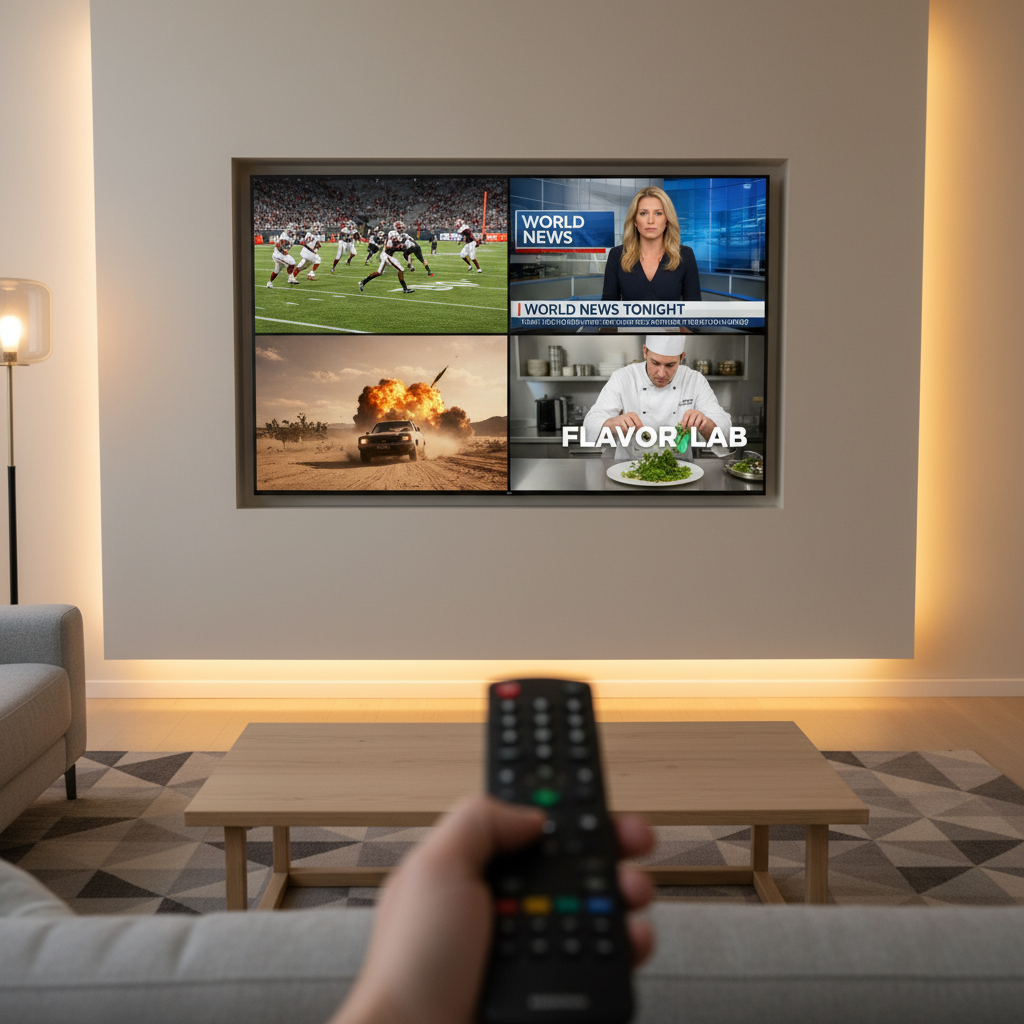
Yes. Sling TV added Multiview in March 2026. You can watch four channels at once in a single grid, at no extra cost, on Fire TV, Android TV, and Google TV. There is a catch that Sling's announcement does not lead with: you cannot choose the four channels yourself. Sling picks them for you in pre-set grids like Sports View and News View. If you want to build your own combination, Sling still cannot do that, and you need YouTube TV, Fubo, or Xfinity instead.
That distinction, pre-set versus build your own, is the whole decision. Most coverage of this feature skips it. Here is what Sling actually shipped, what it cannot do, and how it compares to every other service that offers multiview in 2026.
What Sling's Multiview Actually Is
Sling announced Multiview in March 2026 (Sling's announcement, corroborated by Cord Cutters News). The specifics:
- Four channels on one screen, arranged in a grid.
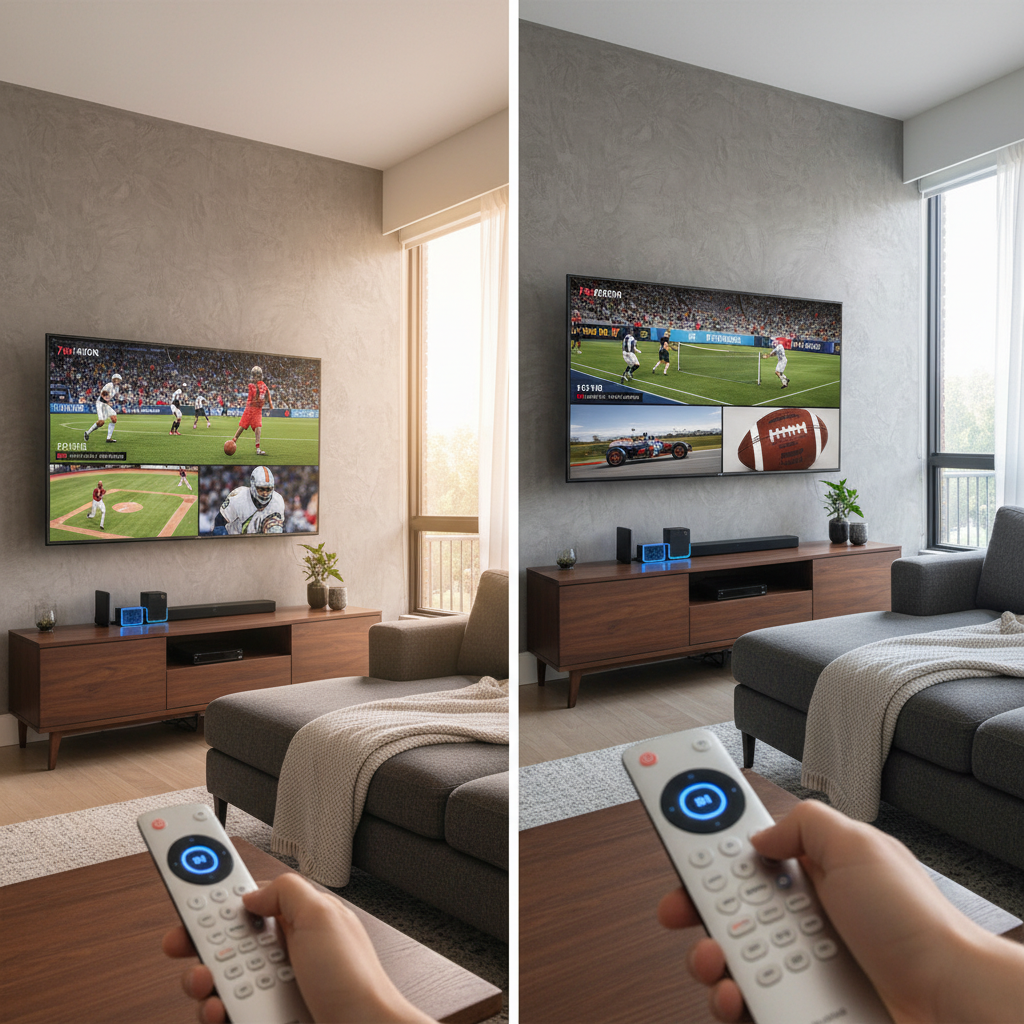
- Pre-set combinations only. Sling curates the grids, such as Sports View and News View. You pick a grid, not the channels inside it.
- No extra charge. It is included for monthly subscribers and for Day Pass users.
- Fire TV, Android TV, and Google TV only. It is not on iOS or Android phone apps, not in a web browser, and not on the Fire TV Stick 4K Select running Vega OS.
The Three Limits That Actually Matter
These are the constraints most likely to matter after you have already subscribed, and they are easy to miss in the marketing.
Related: 10 Best Movies Based on True Stories (And Where to Watch Them)
1. You cannot record multiview channels
Sling's Cloud DVR will not record anything playing in a Multiview grid. If your habit is to record the late game and watch it after the early one finishes, Multiview does not fit that workflow. You get 50 hours of DVR storage included, with expanded storage available as a paid add-on (Sling DVR details).
2. It is not on your phone or tablet
Multiview is a living room feature. Sling does have picture-in-picture, added back in March 2023, but that runs on Apple TV and the desktop browser (TechCrunch), which is a different feature on a different set of devices. If you were hoping to run four games on an iPad, no plan or device combination gets you there.
3. You do not choose the channels
This is the big one. Sling's grids are curated. If the Sunday combination you want is one specific NFL game, one specific NBA game, and a news channel, Sling will not assemble that for you. Every competitor listed below will.
Multiview in 2026: Every Service Compared
The column that matters most is "build your own," and it is the one comparison articles usually leave out.
Related: The Best Reality Competition Shows to Watch Right Now, From Survivor to Top Chef
| Service | Multiview? | Build your own? | Where it works |
|---|---|---|---|
| Sling TV | Yes, 4 channels (Mar 2026) | No. Pre-set grids only | Fire TV, Android TV, Google TV |
| YouTube TV | Yes, 4 channels (Mar 2023) | Yes, since Apr 2026 | Broad device support |
| Fubo | Yes, 4 channels | Yes | Up to 10 home streams |
| Xfinity | Yes | Yes | Xfinity set-top boxes |
| Hulu + Live TV | No. Picture-in-picture only | N/A | Browser, mobile |
Xfinity's version won a 2026 NAB Product of the Year award for its build-your-own implementation (Comcast), which is a fair signal of where the category standard now sits. Sling shipped the feature; it did not ship the flexible version of it.
What Sling Costs, and How Many Screens You Get
Multiview is free, but the plan underneath it is not, and the stream limits trip people up more often than the feature list does.
- Sling Orange: about $45.99 per month. 1 stream at a time.
- Sling Blue: about $45.99 per month. 3 simultaneous streams.
- Orange + Blue: about $60.99 per month. 4 streams, but Orange channels such as ESPN and Disney still run on only one device at a time.
That last point catches people constantly. If two people in your house both want ESPN on separate TVs, no Sling plan solves it, and Multiview does not change that, because Multiview is four channels on one screen, not four screens.
Channel counts are more modest than they are often made to sound: roughly 30 or more on Orange, 40 or more on Blue, and 45 or more on the combo, with the frequently quoted 200-plus figure only reachable by stacking paid add-ons.
Who Should Use Sling's Multiview, and Who Should Not
It works well if you mostly want a general sports or news wall running in the background, you watch on a Fire TV, Android TV, or Google TV device, and you are happy with whatever four channels Sling has grouped together. For that use, it is genuinely good and it costs nothing extra.
Look elsewhere if you want to pick the exact games yourself, you watch on a phone or tablet, or you rely on recording what you are watching. Those three needs are each individually enough to rule it out, and all three are permanent design decisions rather than temporary gaps.
Multiview clearly matters to viewers: Parks Associates found in its 2026 State of Streaming research that 53% of sports fans consider it an appealing feature. Sling adding it closed a real competitive gap. It just closed it partway.
Common Questions
How many TVs can I watch Sling on at once?
Orange gives you 1 stream, Blue gives you 3, and the Orange + Blue combo gives you 4. Orange channels remain limited to a single device regardless of plan.
Does Sling have picture-in-picture?
Yes, but separately from Multiview and on different hardware. Picture-in-picture arrived in March 2023 and works on Apple TV and in the desktop browser. Multiview is the Fire TV, Android TV, and Google TV feature.
Can I record what I am watching in Multiview?
No. Multiview channels cannot be sent to the Cloud DVR. This is the single most common complaint about the implementation.
Is Sling's Multiview as good as YouTube TV's?
Not yet. Both show four channels. YouTube TV lets you choose them, and as of April 2026 lets you mix any channels you like. Sling does not.
The Verdict
Sling has had multiview since March 2026, which answers the question most people arrive here asking. Whether it is the multiview you wanted depends almost entirely on one thing: if you are happy watching a curated four-channel grid, Sling now does the job for free on the right hardware. If you want to assemble your own four channels, Sling still is not the service for that, and paying more for YouTube TV or Fubo buys you a feature Sling has chosen not to build.
Sling launched in February 2015 as the budget option, and this feature fits that identity precisely. It is the version of multiview that costs nothing to include and does not require renegotiating how channels get delivered. That is a reasonable trade at the price, as long as you know you are making it.
If you are weighing what to actually watch once you have picked a service, we keep running lists of underrated shows worth your time and background shows that will not distract you from work.
Prices and feature availability verified July 2026. Streaming plans change frequently, so confirm current pricing with the provider before subscribing.