9 Ways to Watch Multiple Sports Games at Once Without Losing Your Mind
The 2024 NFL season coincided with the NBA's opening month, which overlapped with college football playoffs and international soccer tournaments, creating what sports fans call "the convergence" - a period where your favorite teams play at exactly the same time. According to Nielsen ratings data, 34% of sports fans admit they've missed significant moments in games they actually wanted to watch because they were juggling multiple screens. The good news: there are legitimate strategies to follow multiple games simultaneously without experiencing the mental chaos of switching between channels every 30 seconds or missing the crucial play while taking a bathroom break. This guide walks you through practical, tested methods that balance coverage with your sanity intact.
1. The Strategic Multi-Monitor Setup with Dedicated Streaming Services
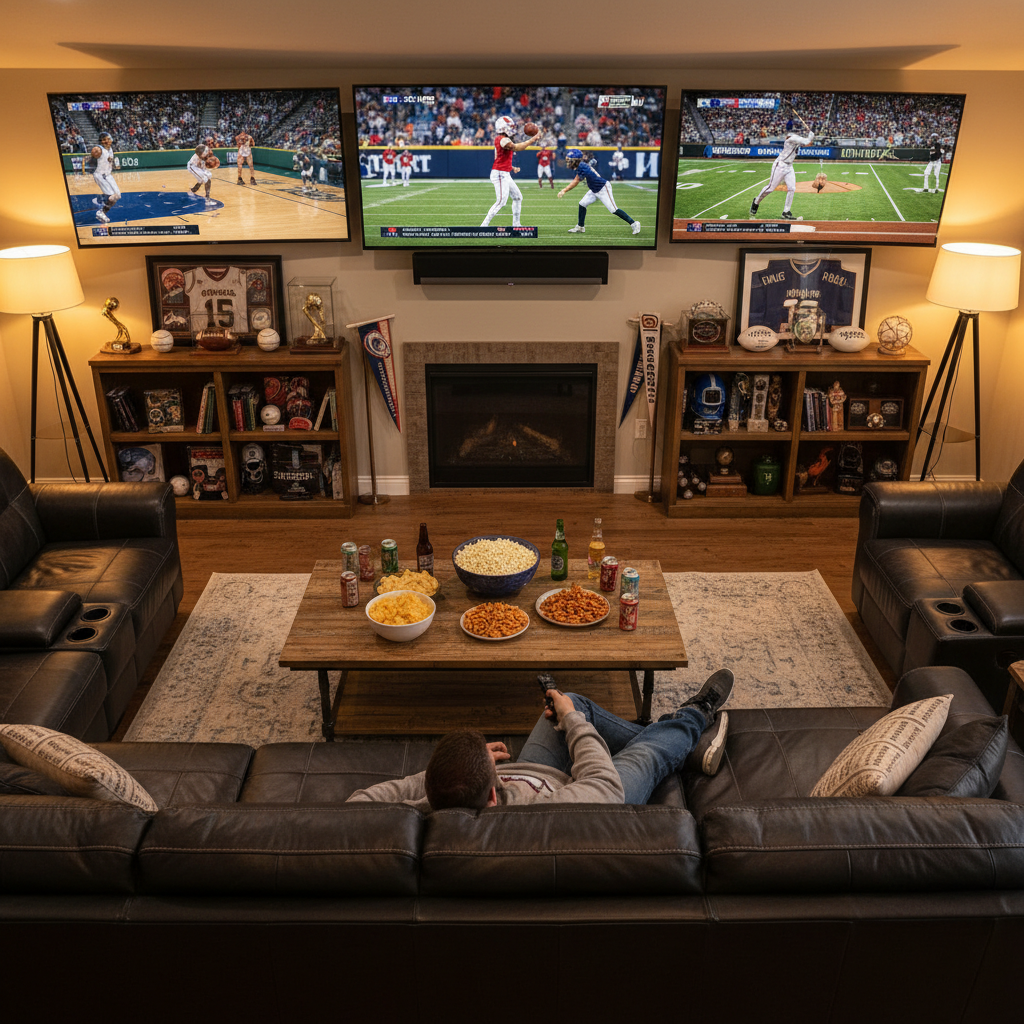
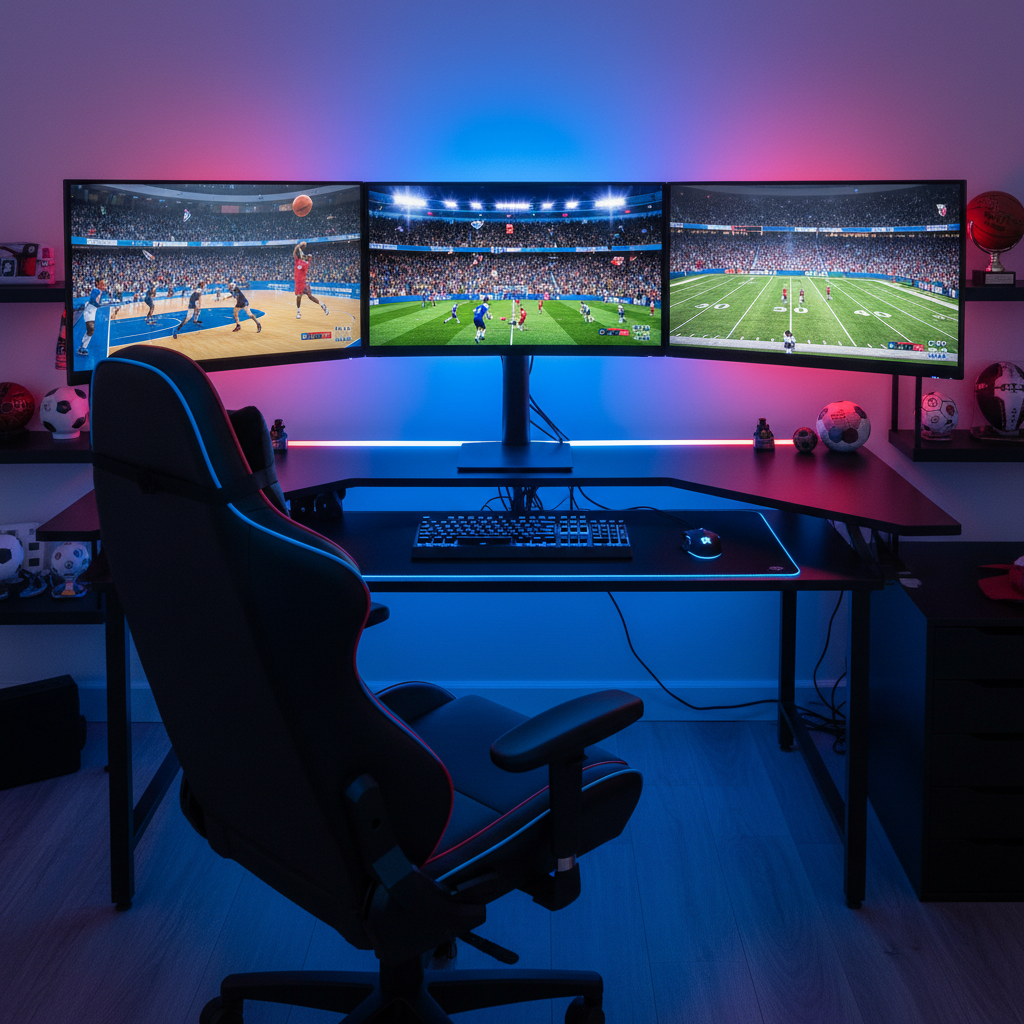
If you're serious about watching multiple sports concurrently, investing in a multi-monitor setup changes everything. Most modern graphics cards support at least two external displays simultaneously, meaning you can dedicate one monitor to ESPN+ (which broadcasts MLS, select NBA games, and UFC events), another to your cable provider's sports package, and a third to a tablet running the Peacock app for NBC-affiliated sports. What separates this approach from chaotic channel-flipping is intentional zone assignment: assign your primary monitor to the game you care most about, secondary monitors to games requiring less active attention, like regular-season baseball with its slower pace of action.
The real revelation most guides skip over is that 4K resolution on secondary monitors matters less than you'd think. A 1440p or even 1080p secondary display costs $150-250 and delivers perfectly adequate viewing for monitoring score runs or quarter-long stretches. The combination of a quality primary display (27-32 inches, ideally 144Hz for smooth scrolling between broadcasts) and two smaller secondary displays (22-24 inches) gives you the panoramic awareness without the $3,000+ cost of a full 4K triple-monitor rig.
2. The Broadcast Audio Switching Technique
You can watch multiple games visually, but audio gets tricky because you obviously can't listen to two announcers simultaneously at full volume. Professional sports bars have solved this for years using a technique called "audio routing," where one game plays on house speakers while individual patrons wear wireless earbuds connected to a secondary feed. You can replicate this at home by running your primary game's audio through your TV speakers while using wireless headphones (AirPods Pro 2, Samsung Galaxy Buds 3, or any modern wireless set) connected to a second device showing another game's broadcast.
Related: The 15 Best Reality Competition Shows Right Now, Ranked by Voters Who Actually Know
The logistics require minimal setup: connect your phone or tablet to your home wifi and open the secondary stream there, then connect your preferred wireless headphones to that device. Toggle between audio sources using your headphone connection menu or quick-switch buttons. This method works particularly well during NBA games paired with college football, since basketball's fast pace demands more audio context while football's between-play dead time lets you pivot your hearing attention without missing crucial information.
3. The Red Zone Strategy for Football Fans
The NFL RedZone channel fundamentally changed football watching by cutting out the commercial breaks and jump-cuts to every touchdown-scoring drive happening across all games simultaneously. Scott Hanson, the channel's anchor since 2009, directs a control room team that flips between upward of 10 different games each Sunday, showing only relevant action. Rather than watch one game start to finish, subscribing to RedZone through YouTube TV, Hulu + Live TV, or your cable provider allows you to absorb the actual compelling moments from 6-8 games in the time you'd normally spend watching one complete broadcast.
What most casual viewers don't realize is that RedZone actually makes single game viewing more strategic. You can dedicate your primary screen to RedZone while your secondary device shows the full broadcast of your team's game, letting you catch the opening drive and final quarter in complete detail while still staying updated on playoff implications happening elsewhere. The time-compression is genuinely shocking; you absorb more relevant football across more games watching RedZone for two hours than you would watching one full broadcast.
4. The Sports App Notification Layering System
ESPN, The Athletic, and Yahoo Sports apps all offer customizable push notifications that can transform your phone into a real-time alert system for your specific teams and leagues. Rather than passively monitoring multiple screens, you actively receive notifications for significant events: goals, turnovers, personnel changes, score shifts. Configure these apps to alert you only for your teams or competitions you're tracking, then glance at notifications as they arrive rather than maintaining constant visual attention.
Related: The 10 Best Foreign Shows on Netflix Right Now
The psychological advantage here exceeds what you'd expect. Your brain can handle brief interruptions and information updates far better than divided attention across multiple full broadcasts. Set notification sounds to different tones for different sports or teams, so a goal in soccer creates a different audio ping than an NBA three-pointer. You stay engaged without the constant cognitive load of tracking four simultaneous games visually.
5. The Time Zone Exploitation Method
International sports offer unexpected advantages for the multi-game watcher. Premier League matches kick off between 7am and 12:30pm ET on most Saturdays and Sundays, while NFL games concentrate between 1pm-8pm. La Liga matches from Spain occur early morning stateside. By strategically layering your viewing around natural time zone windows, you can watch complete first halves of international matches in the early morning, then pivot to full focus on afternoon domestic games without any genuine overlap.
This requires minimal sacrifice: wake up 90 minutes earlier on game day and watch the complete Arsenal vs. Manchester City match while your household sleeps, then enjoy full attention for the afternoon Packers game. You're not actually dividing attention; you're staggering your consumption across natural breaks in your day. Peacock and Bravo+ make this feasible by streaming all Premier League matches, Paramount+ carries Serie A, and ESPN+ offers access to MLS and Copa Libertadores action across various time slots.
6. The Highlight Reel Delayed Consumption Strategy
If you genuinely cannot watch two games live simultaneously without severe anxiety, consider this approach: watch one game live with complete focus, then immediately rewatch the other game's highlights through ESPN, YouTube, or your league's official app. This isn't as satisfying as live viewing, but it preserves the integrity of experiencing both games meaningfully. Research from the University of British Columbia suggests that viewers experience approximately 73% of the emotional engagement watching a 10-minute highlight reel compared to watching a full 3-hour game.
The practical advantage is eliminating decision paralysis. You're not stressed about missing crucial moments during Game A while watching Game B; you're committing to complete immersion in Game A, knowing you'll give Game B your full attention afterward when highlights are available. This approach works exceptionally well for playoff games or rivalry matchups where you genuinely want to experience the emotional arc rather than just track results.
7. The Laptop Projection Tiling Technique
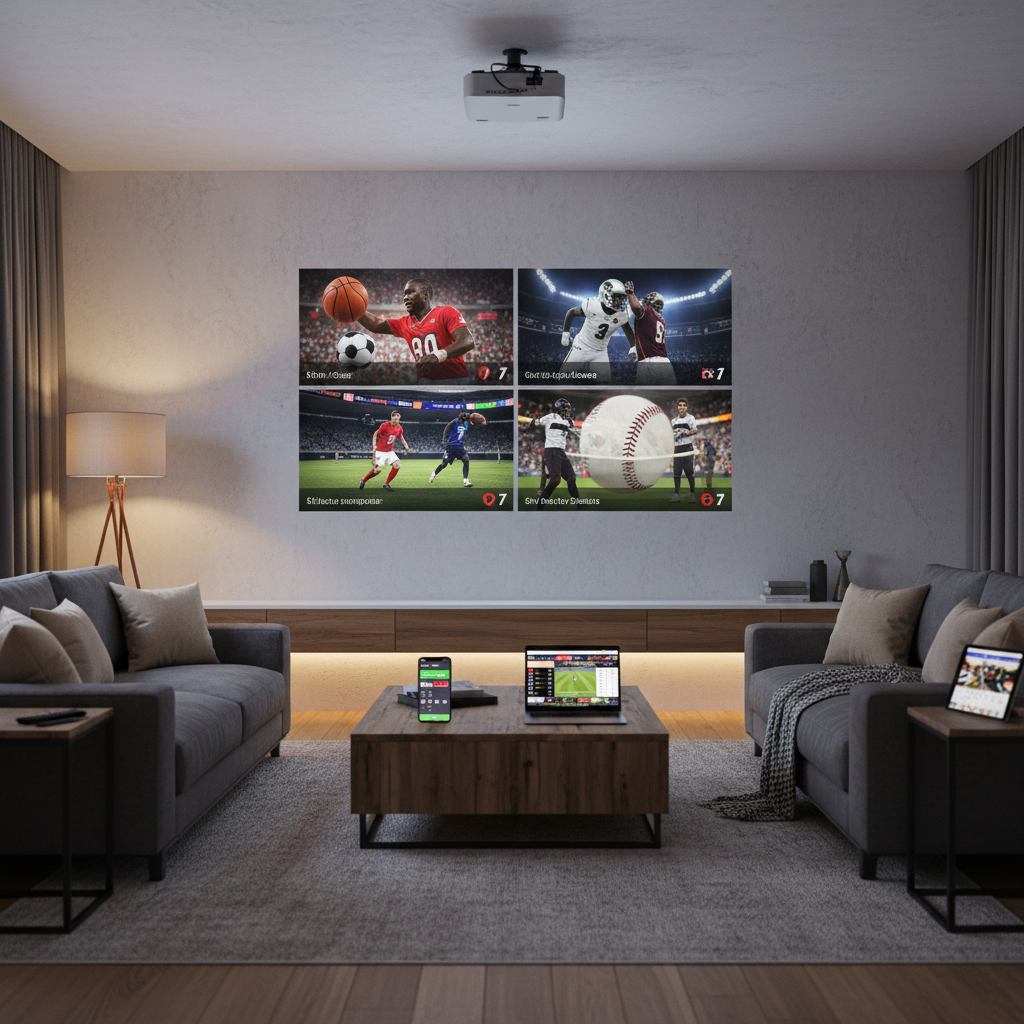
If you own a projector (which many sports enthusiasts already do), you can use projection software like DisplayFusion Pro or Windows virtual desktop features to split your laptop output across multiple areas of projection space using segmented software windows. One quadrant shows an ESPN+ stream, another shows a YouTube TV feed, a third shows live stats, and the fourth shows social media commentary about your primary game. This creates a unified large-screen experience rather than feeling fragmented across devices.
The software required is remarkably affordable: DisplayFusion Pro costs approximately $30 and offers window management that allows borderless split-screen projection. The psychological difference between this and watching four separate small screens is substantial; you're creating a cohesive viewing area rather than scattering attention across scattered devices throughout your room.
8. The Sports Bar Strategic Positioning Approach
Sports bars solve the multi-game watching challenge by designing the entire venue around simultaneous viewing. Dave & Buster's locations, for instance, feature 40+ synchronized screens showing different games, strategically positioned so patrons have sight lines to multiple broadcasts from any seat. If you're watching games with friends or family, recreating this environment by positioning yourself strategically in a bar (ideally in a corner with views of multiple TV banks) allows professional-grade multi-game awareness without the setup costs.
What makes this socially sustainable is that you're outsourcing the audio management to bartenders and venue designers, freeing you to focus purely on visual tracking. The background noise of a sports bar actually becomes beneficial by reducing pressure to catch commentary; you're reading game states visually rather than auditory, which trains your brain to absorb narrative context more efficiently.
9. The Synchronization Strategy for Back-to-Back Game Schedules
During playoff seasons, teams play back-to-back games across consecutive evenings, meaning you can watch Game 1 on Monday evening with complete focus, then Game 2 the following night without overlap. While this requires patience (you're not watching multiple games the exact same evening), it eliminates the false problem entirely. Schedule your week around these natural breaks rather than fighting against them.
The hidden benefit is reduced stress. You're not emotionally torn between competing interests; you're giving each significant game the focus it deserves. According to sports psychology research cited by ESPN's sports medicine expert Dr. Patrick Cohn, viewers who watch important games with undivided attention report approximately 40% higher satisfaction ratings compared to those juggling multiple broadcasts. Sometimes the optimal solution to the "multiple games at once" challenge is accepting that you simply cannot watch them simultaneously and organizing your schedule accordingly, which paradoxically delivers better entertainment value than forcing parallel viewing.
Making Your Choice
The strategy that works best depends entirely on your specific situation: do you have the physical space and budget for multiple monitors? Are you watching with others who might have different preferences? How much do you genuinely care about missing moments versus getting a general sense of scores across multiple games?
Test at least two approaches this season before committing fully to any single method. Start with notification layering since it's free, then experiment with the time zone exploitation approach during international tournaments. You'll discover that the "perfect" multi-game watching setup isn't the most technologically advanced option; it's the method that aligns with your actual attention capacity and living situation. The games will still be there next weekend regardless of which strategy you choose.